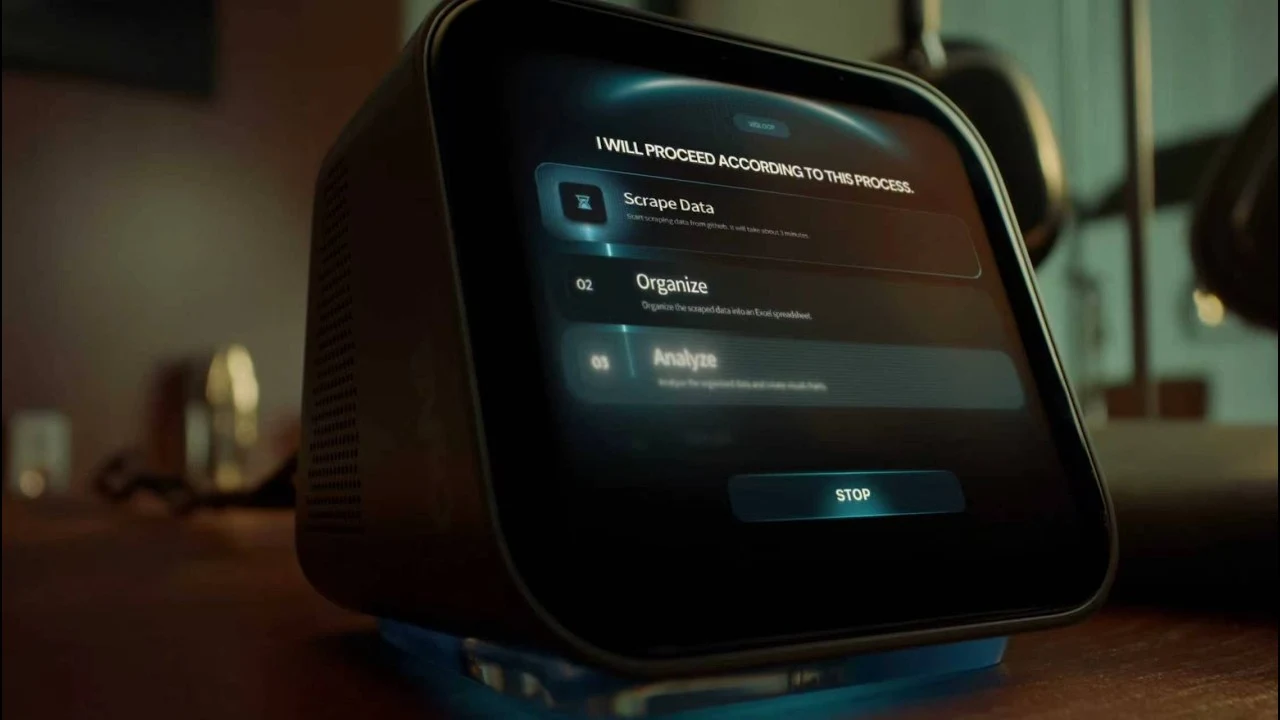
Turn a request into a prepared meeting.
Use the incoming request and approved project materials to prepare the meeting details and follow-up. Review before confirming or sending.
Email→Calendar→Documents→Your review
PLUG-IN PERSONAL AI / VIOLOOP
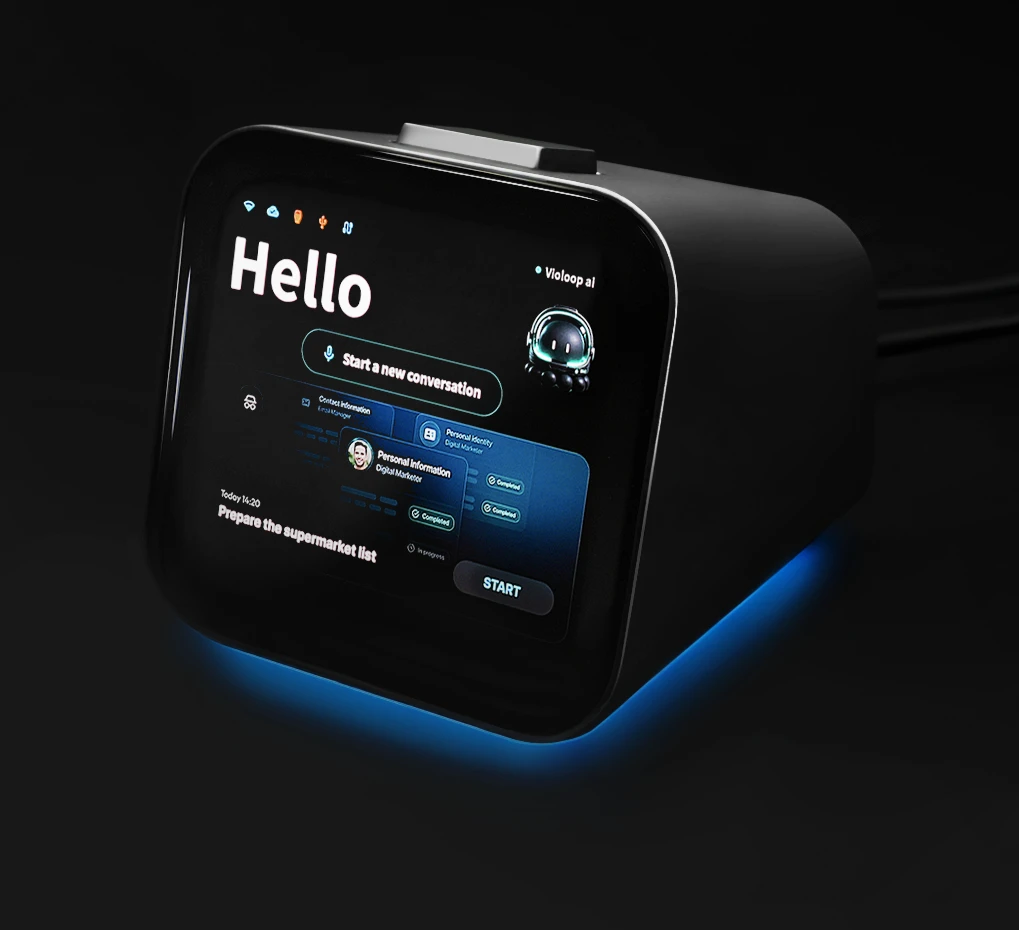
An AI device that understands what’s on your screen and helps move work across your apps. From preparing a reply to organizing a report, keep the work moving—and the decisions yours.
Your existing computer. Your everyday applications. Your approval.
01 / A LITTLE LESS BACK-AND-FORTH
A request rarely ends where it arrives. VioLoop is designed to carry an authorized task through the handoffs between messages, documents, calendars and files.
Use the incoming request and approved project materials to prepare the meeting details and follow-up. Review before confirming or sending.
Combine approved messages and spreadsheet information into an editable work report, then check the conclusions that need your judgment.
Find, rename and categorize project files, and prepare a delivery. Keep the recipient and final delivery decision in your hands.
Illustrative workflows from the creator’s V4 guide. Results depend on software, permissions, task scope and your configuration.
02 / CONTEXT BECOMES A NEXT STEP
Instead of restating the whole situation, start with the work on screen. VioLoop connects screen understanding, task preparation and authorized computer actions.
Understand the active screen and work already in progress.
Prepare a relevant response or action from the task context.
Continue across supported applications within the scope you authorize.
Stop at a protected action for physical confirmation.
The creator’s Personal Work Model is designed to retain useful project context, recurring workflows and preferences on the device, so related work has a starting point.
03 / FROM ON-SCREEN CONTEXT TO OFFICE WORK
Screen understanding and cross-app operation are the core of VioLoop’s approach to everyday tasks. The creator’s introduction gives a closer look at this plug-in personal AI concept.
Watch on YouTube ↗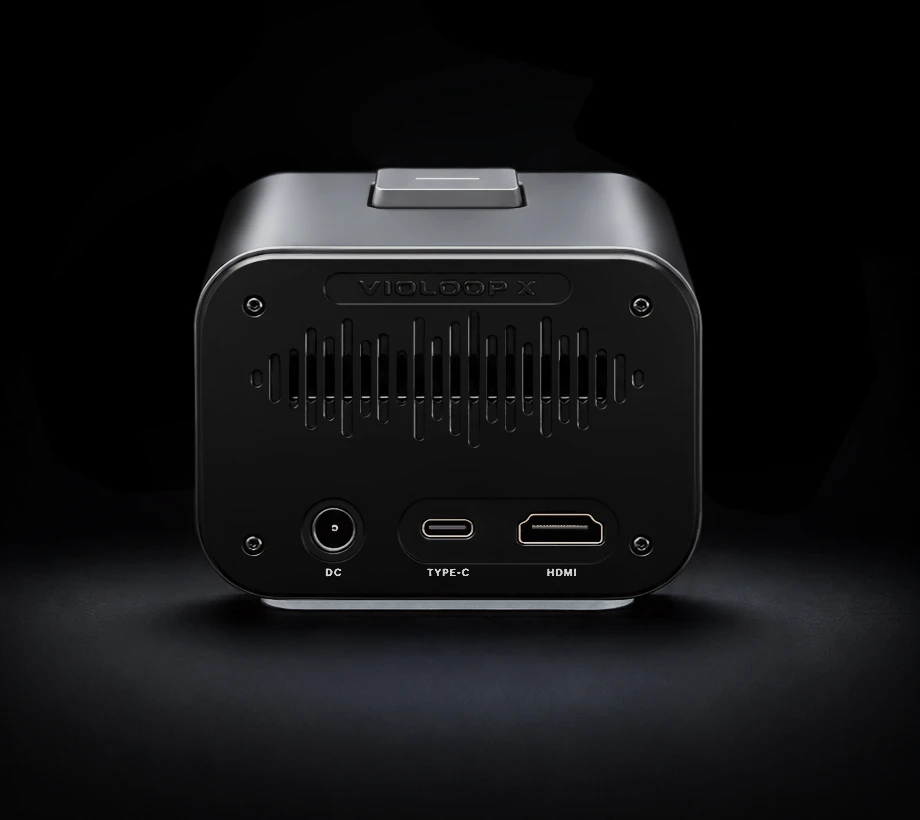
04 / BUILT AROUND YOUR EXISTING COMPUTER
The recommended V4 setup uses DC power and a full-featured USB-C cable carrying data and DisplayPort video. Install and activate the companion app, then update the device and software.
Use a computer port and cable that support the required video and data connection.
Complete activation and the companion-app setup before your first task.
Give VioLoop a task, review its scope and keep protected decisions under your control.
HDMI is optional. HDMI plus power alone cannot provide keyboard-and-mouse control; a USB data connection is required.
05 / THE AI PREPARES. YOU DECIDE.
Authorizing a workflow does not authorize every consequential step inside it. A dedicated security MCU and physical approval control keep a visible decision point in the process.
Let the device prepare and advance a task, then pause before protected actions for your physical confirmation.
Away Mode is designed to continue a longer authorized workflow and request approval if it reaches a protected action.
Raw screen imagery, routine perception and persistent memory are processed or stored on the device. Deeper reasoning may send selected context to an external model.
Cloud data flow depends on the selected model, endpoint and privacy settings. Check the creator’s current privacy information and your organization’s policies before using work data.
Read the creator’s privacy policy ↗06 / THE HARDWARE BEHIND THE HELP
V4 pairs local AI processing with persistent storage and a separate security controller for physical approval.
Combined AI compute
6 TOPS integrated + 20 TOPS module
Specifications from the creator’s V4 review guide. Features vary by operating system and tested configuration. Confirm the current campaign specifications before backing.
07 / BEFORE YOU BACK
A few practical details to match VioLoop to your computer and the way you work.
A plug-in personal AI device that understands the work on your screen, prepares useful next steps and carries out authorized tasks across applications. It works with your existing computer.
Yes. Complete companion-app installation, activation and updates. No per-app integration is required for its screen-based approach, but permissions and supported functionality depend on your setup.
V4 lists Windows, macOS and Linux support. Confirm USB-C video/data support and the required permissions. On a managed computer, check whether your organization permits the companion app and external USB devices.
Screen-reading suggestions can run alongside your work. An executing task may switch windows, change focus or use the mouse and keyboard. Treat the computer as shared; step away or use a second machine for uninterrupted work.
No. Routine perception and persistent memory are local. Deeper reasoning may use a chosen external model, and services such as activation, updates and remote approvals need server communication. Review the current model options, service costs and privacy terms.
Capabilities depend on the applications, permissions and configuration. Define the task scope and review the result. Protected actions require confirmation; a workflow authorization does not remove those boundaries.
Check the current Kickstarter rewards, updates, shipping destinations and service-plan terms. Crowdfunding delivery dates are estimates and rewards are not guaranteed.
See current rewardsVIOLOOP / PLUG-IN AI FOR YOUR COMPUTER
Explore the device, check the current rewards and decide how VioLoop could fit your everyday workflow.
Explore VioLoop on Kickstarter Back to top ↑