
Plan the machining.
Import your model. AutoCAM generates machining strategies, toolpaths, feeds and speeds. DFM analysis checks geometry, tool access and machining constraints before cutting.

DESKTOP CNC / A MORE CONNECTED WORKFLOW
From a digital model to a part you can hold. Desktop machining with automatic tool changes and a guided path to your first cut.
For makers, product designers and small workshops.
PMSM spindle
Maximum spindle speed
Automatic tool changer
Repeatability
01 / WHAT WILL YOU MAKE?
Prototype a component. Cut a custom fixture. Add depth to a decorative piece. Explore a machining platform for metal, wood and plastics—with tooling and settings matched to each job.

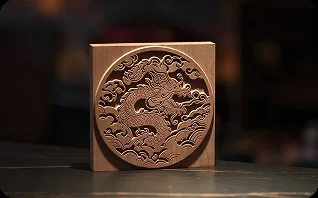
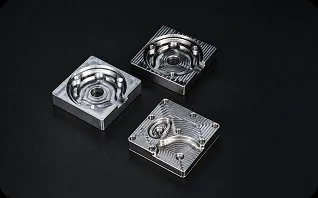


Official machining examples. Results depend on material, tooling, setup and any expansion modules used.
02 / FROM MODEL TO MATERIAL
ToolDance Studio brings programming and setup guidance into one workflow, so you can spend more time developing your part and less time moving between disconnected steps.
Import your model. AutoCAM generates machining strategies, toolpaths, feeds and speeds. DFM analysis checks geometry, tool access and machining constraints before cutting.
Follow visual workholding recommendations, position your stock and fixture, then use automatic probing to establish work offsets.
Run the prepared job with automatic tool changes. Add the optional coolant system for machining operations that need it.

Prefer familiar software? X1 supports third-party CAM workflows including Fusion 360, Siemens NX and Mastercam. Check supported post-processors and your intended operations before backing.
03 / THE MACHINE BEHIND THE IDEA
Spindle power, working space and a rigid structure come together in an enclosed desktop format.

A 1,500W PMSM spindle reaches up to 24,000 RPM. Support for tool shanks up to 10 mm gives you room to choose cutters for roughing, drilling and finishing.

The 400 × 265 × 180 mm work envelope accommodates fixtures, housings and multi-part setups. Plan around your stock, workholding and tool clearance—not just the finished dimensions.
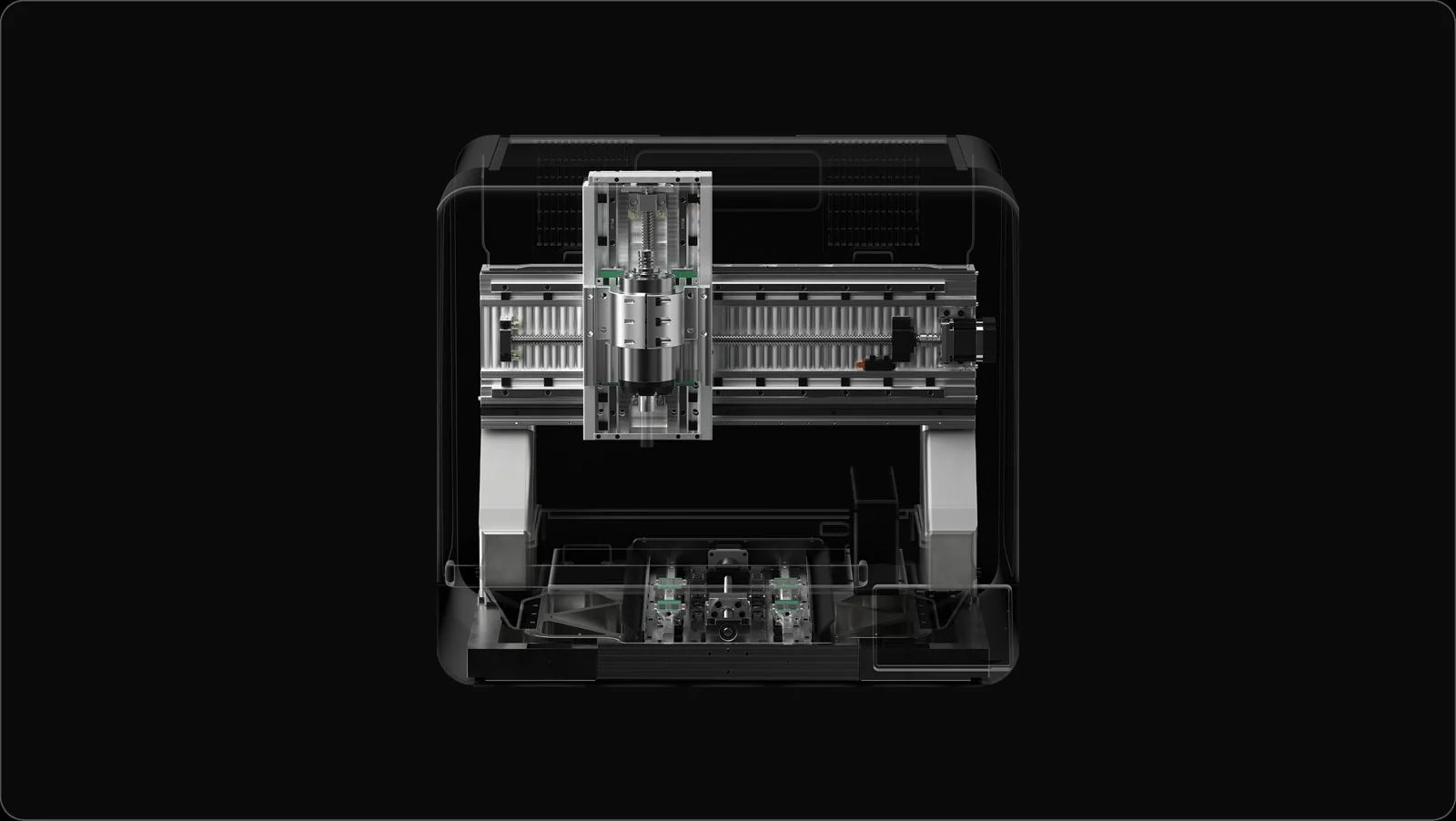
A reinforced cast-aluminum-alloy frame supports rigidity and vibration control. X1 specifies ±0.01 mm repeatability for returning to a position across repeated movements.
Repeatability is not a guarantee of finished-part dimensional accuracy. Tooling, material and setup also affect results.
04 / KEEP THE JOB MOVING
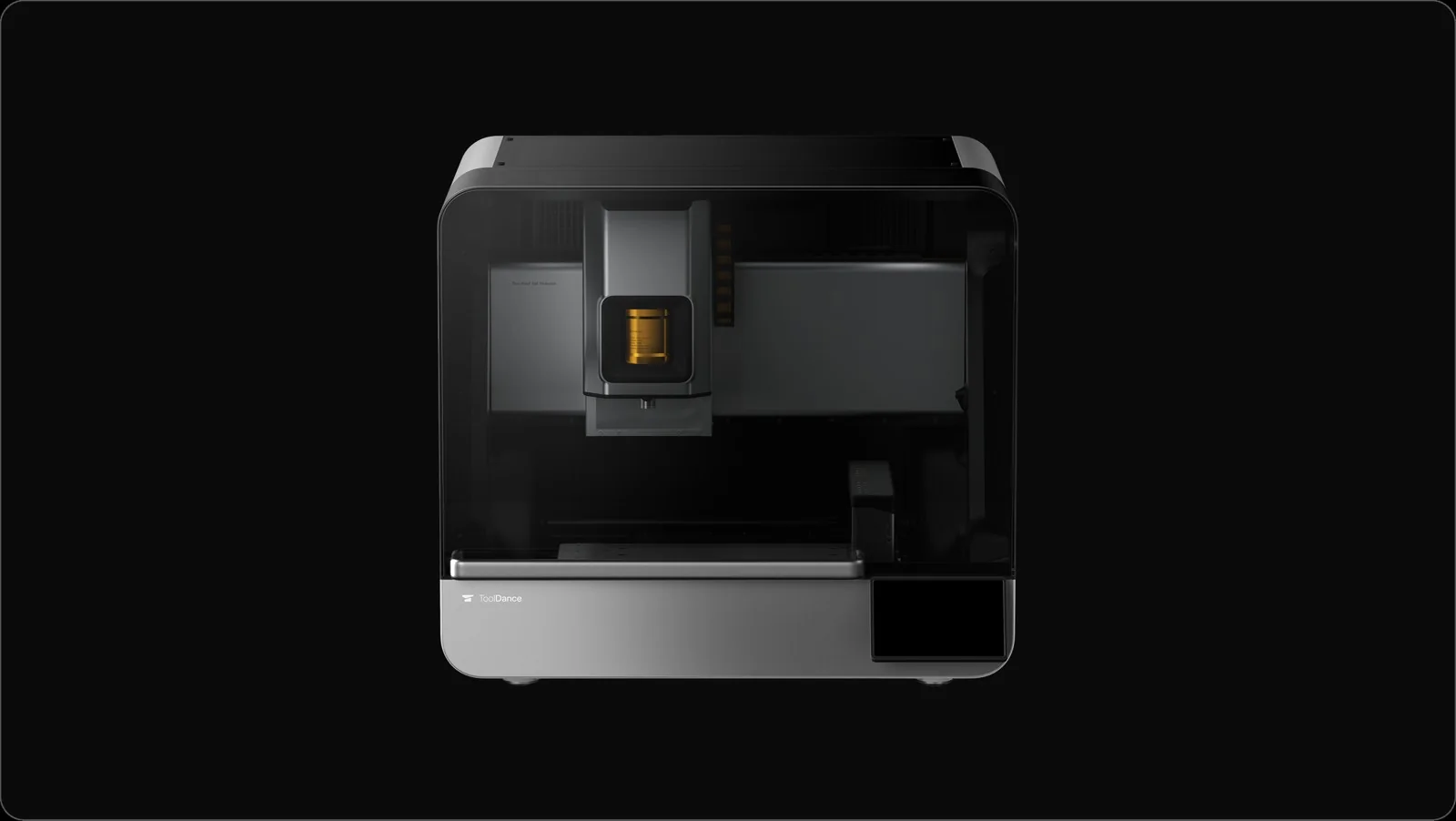
The 9-tool automatic changer supports multi-operation jobs, with a dedicated 3D probe slot alongside the tool positions. Plan roughing, drilling and finishing as one connected sequence.
BUILD AROUND YOUR WORK
Optional 4-axis and simultaneous 5-axis modules extend the ways you can approach a part. The 5-axis module supports complex surfaces and can reduce the need to re-clamp a workpiece.
Check configuration details ↓
Add rotary machining capability.
OPTIONAL MODULE
Approach complex geometry from more angles.
OPTIONAL MODULE
Manage heat and chips during demanding cuts.
OPTIONAL MODULECheck your chosen reward for included modules and accessories.
05 / SEE THE CONNECTED WORKFLOW
AutoCAM, guided setup and the 9-tool changer connect the steps between a model and a machined part. Get a closer look at ToolDance X1 in the creator’s introduction.
06 / A WORKSPACE THAT WORKS
An enclosed work area and on-machine controls help bring the machining workflow together at your bench.
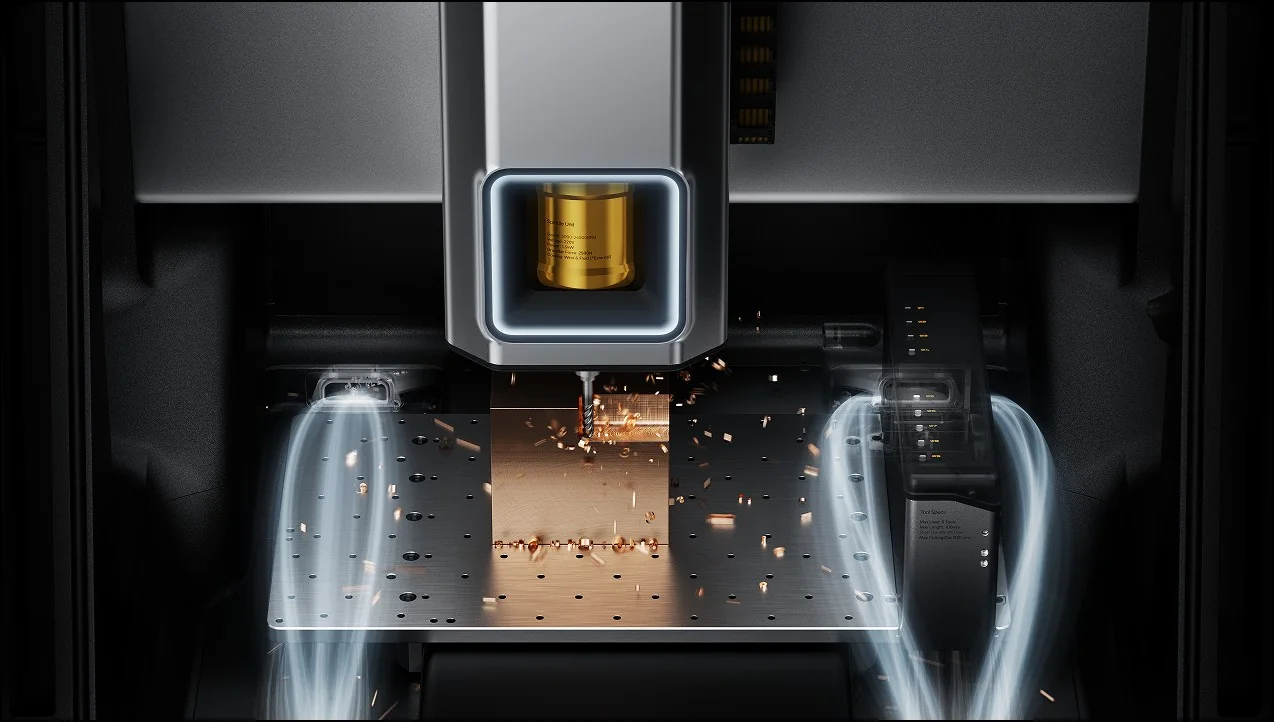
A built-in camera lets you check machining progress remotely. The enclosure locks during machining to help prevent accidental access.
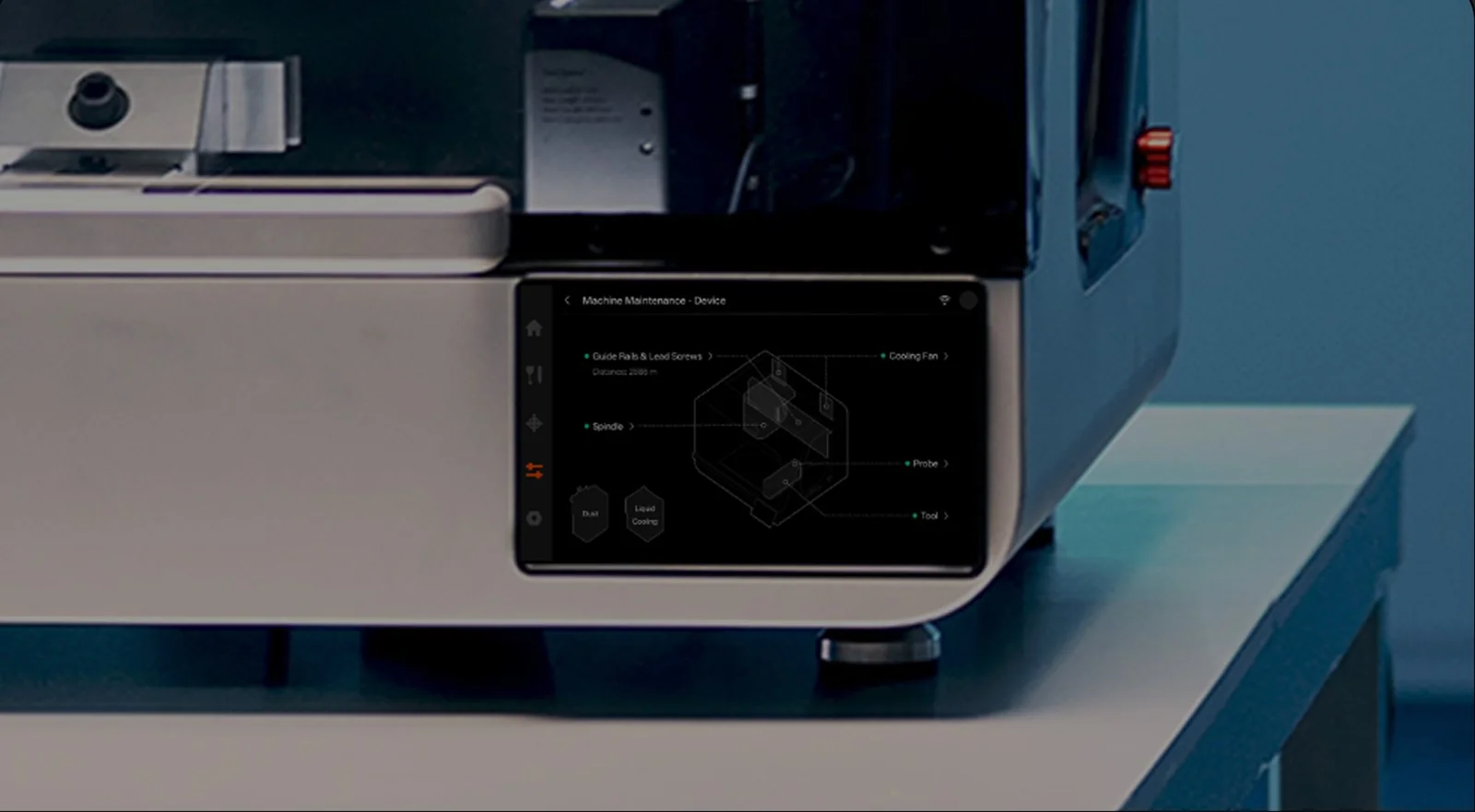
Use the built-in touchscreen to adjust parameters and monitor machining status directly on X1.
Optional dust collection and flood cooling modules address different machining needs. Choose the setup appropriate to your materials and follow the creator’s operating guidance.
07 / THE PRACTICAL DETAILS
Start with the parts you want to make. Match your material, workholding and machining requirements to the machine and optional modules.
See current Kickstarter rewardsConfirm final specifications, compatible tooling, software requirements and package contents on Kickstarter before pledging.
08 / BEFORE YOU BACK
X1 is aimed at makers, product designers and small workshops looking to machine physical parts from digital models. Consider your intended materials, part sizes, workholding and experience when deciding whether it fits your workspace.
Five-axis machining requires the optional expansion module. A separate four-axis module is also offered. Review the exact reward and add-ons you select; do not assume either module is included.
Repeatability describes how consistently the machine can return to a position. It is different from the dimensional accuracy of a finished part, which also depends on tooling, material, workholding, calibration and machining conditions.
X1 supports workflows with Fusion 360, Siemens NX, Mastercam and other CAM software. Confirm post-processor support, licensing and compatibility with your intended operations. ToolDance Studio also provides AutoCAM and setup guidance.
AutoCAM and setup guidance help with programming and preparation, but material selection, secure workholding, suitable cutters and safe operation still matter. Review the operating requirements and creator guidance before starting a job.
Flood cooling and chip management, and dust collection and filtration, are offered as optional modules. Package contents vary by reward. Select the configuration that suits your material and intended process.
Visit the Kickstarter campaign for current reward contents, shipping destinations, taxes, estimated delivery and creator support terms. Review the risks and latest updates before pledging. Crowdfunding rewards and delivery dates are not guaranteed.
FROM THE NEXT SKETCH TO THE NEXT PART
Explore ToolDance X1, compare the configurations and find the current campaign details on Kickstarter.
Discover ToolDance X1 on Kickstarter Explore more Backer Ninja campaigns →Independent product spotlight by Backer Ninja. This page is not operated by ToolDance or Kickstarter. We may earn a commission when you back through links on this page.
Product visuals and details are from ToolDance’s campaign and official materials. Final specifications, reward contents and delivery terms are set by the creator. Crowdfunding involves risk; rewards and delivery dates are not guaranteed.