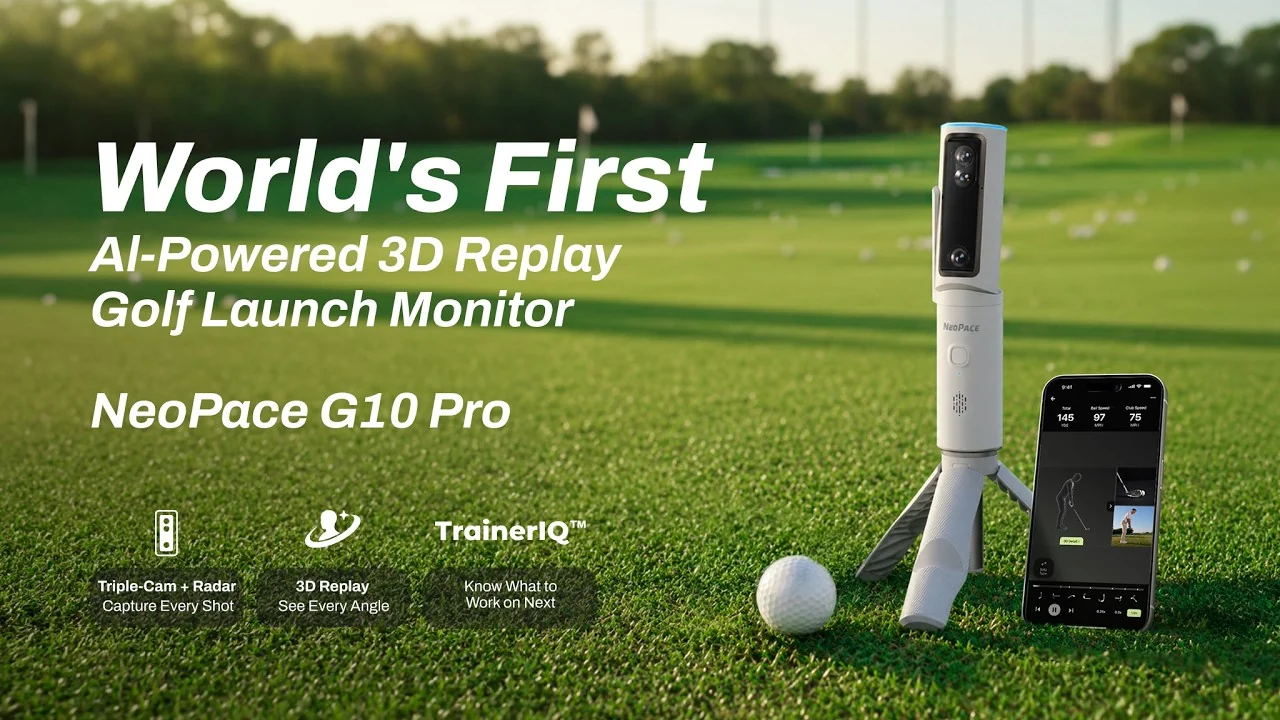
Change your point of view.
Explore a reconstructed swing through 360 degrees, rather than relying on a single camera angle.
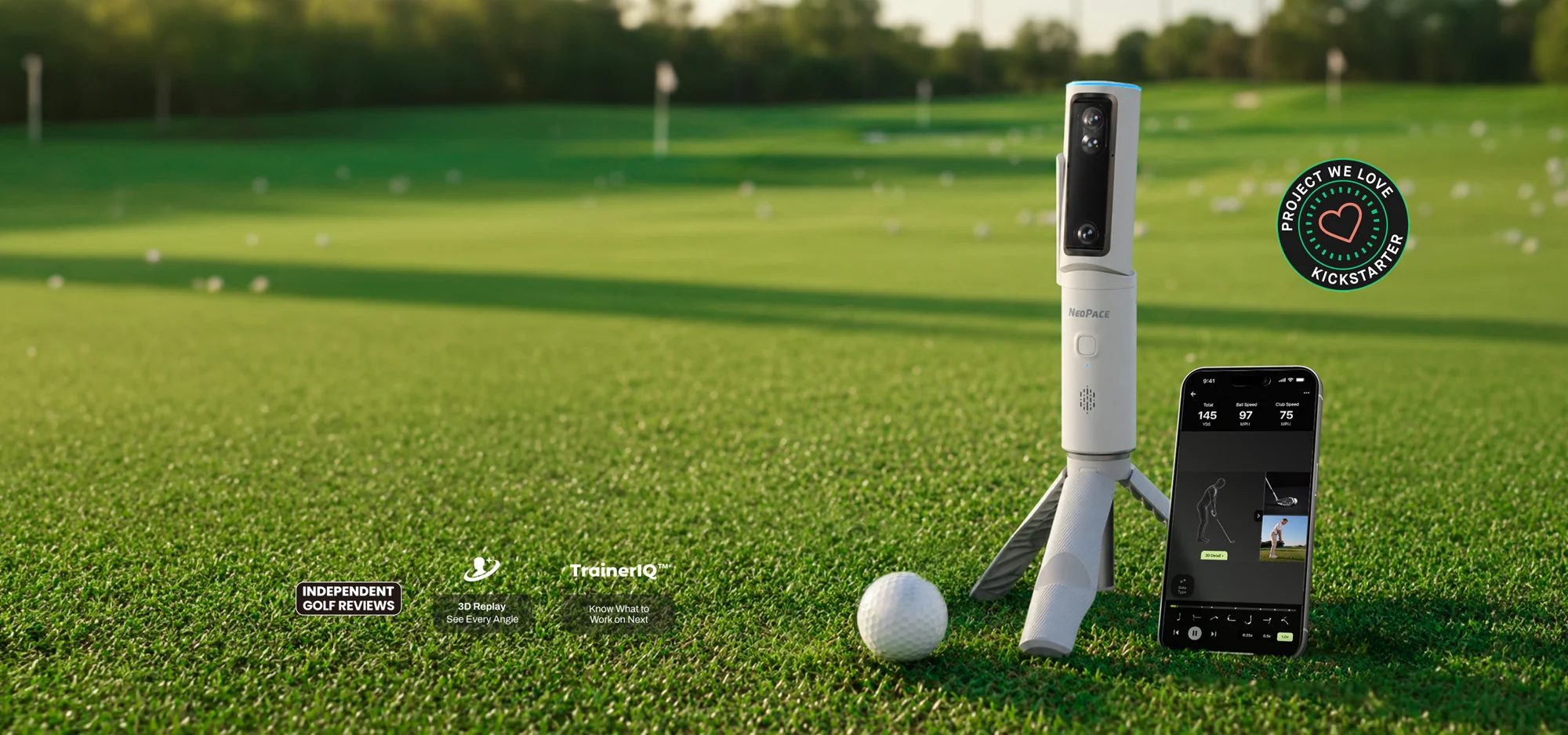
GOLF LAUNCH MONITOR / AI 3D REPLAY
Bring your body, club and ball into one view. Explore 3D swing replay and AI analysis built to give your next practice session a clearer direction.
01 / CONNECT THE SWING TO THE SHOT
A launch monitor tells you where the ball went. Interactive 3D Replay adds another perspective: review body movement alongside the club and ball, rotate the view and revisit seven key moments in the swing.
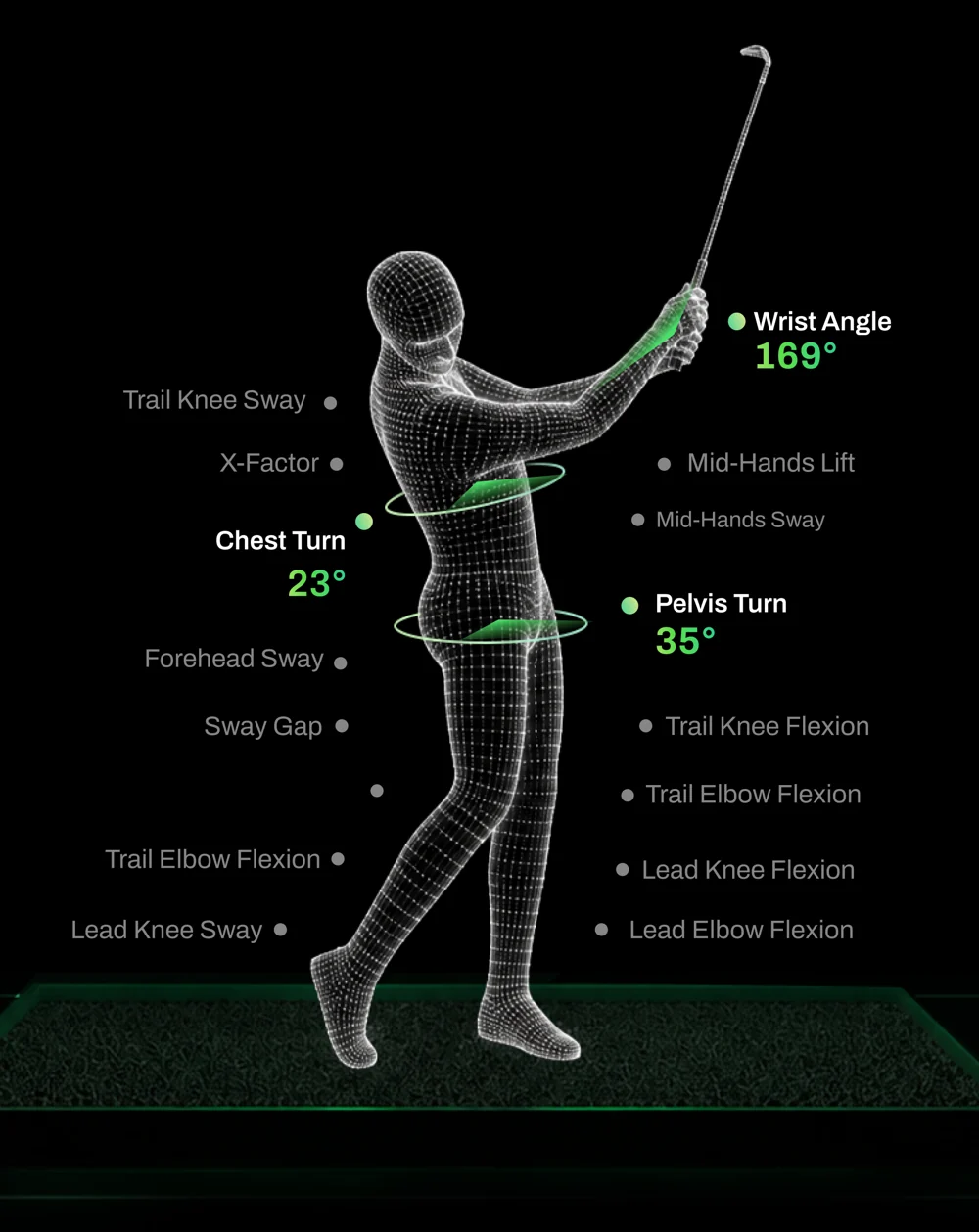
Explore a reconstructed swing through 360 degrees, rather than relying on a single camera angle.
Move between seven swing checkpoints to look more closely at positions and movement.
Compare body motion, club delivery and ball-flight information as parts of the same shot.
3D Swing Analysis uses the shared monthly AI allowance. AI analysis requires an internet connection.
02 / BODY. CLUB. BALL.
A triple-camera system and 24GHz Doppler radar capture the action. The creator lists a player view at up to 120 fps and an impact view at up to 480 fps.
Explore ball speed, launch, carry, club speed, face angle, club path and more.
Review posture, rotation, balance, joint movement and other elements of your swing.
Capture the shot, review the movement and choose a more focused next step.
Metrics include measurements and calculated results. Ball choice affects spin-related precision; official Tracking Balls are recommended for the most precise results.
03 / GIVE PRACTICE A DIRECTION
TrainerIQ connects movement and shot data to highlight possible issues. Premium adds follow-up questions, personalized drills and progress insights to help structure your practice.
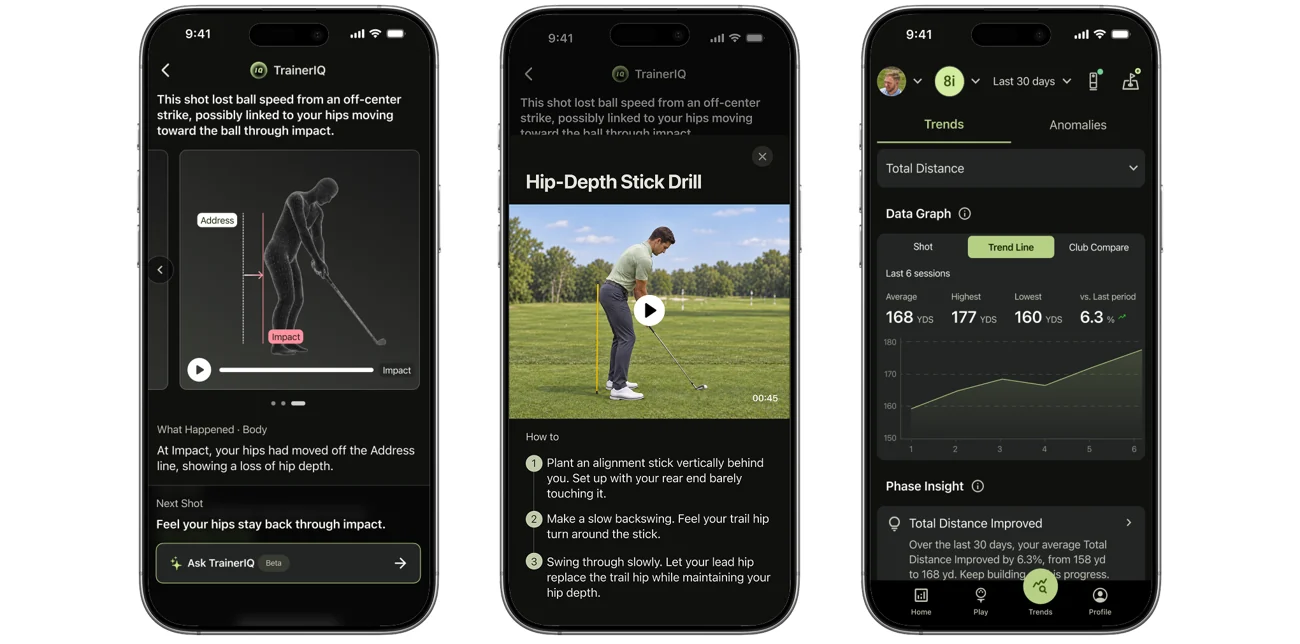
Look at potential links between your movement, club delivery and shot outcome.
Use Premium training guidance to give the next set of shots a purpose.
Use saved sessions and available progress tools to review changes over time.
AI guidance supports practice and coaching. It does not replace hands-on instruction from a golf coach.
04 / SEE THE PRODUCT IN CONTEXT
NeoPace combines shot capture, 3D Replay and TrainerIQ in one system. The creator’s product video offers another way to get familiar with G10 Pro before exploring the campaign.
05 / BUILD YOUR PRACTICE SPACE
G10 Pro supports Face-on and Down-the-Line placement. Its motorized gimbal helps locate the ball and frame the golfer, with support for both right- and left-handed players.
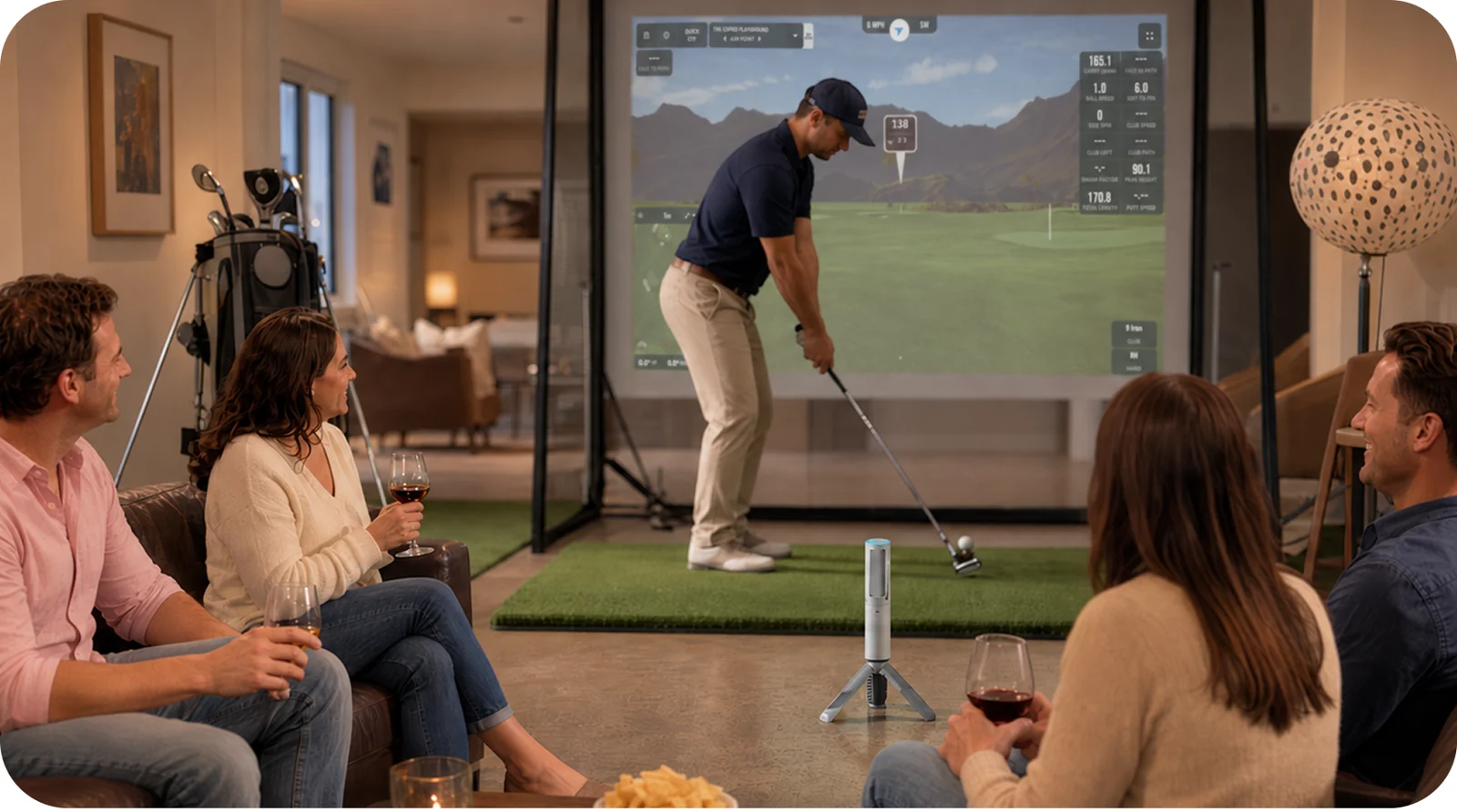
For Down-the-Line placement, allow the creator’s recommended 1.6–2.1 m from device to ball. Net distance, ceiling height and swing clearance matter too.
The campaign lists GSPro, Creative Golf and E6 support planned for shipment. Check current compatibility and each provider’s separate software and hardware requirements.
Use a suitable outdoor hitting area with a clear view of the ball. IPX2 protection is for dripping water; avoid rain and prolonged water exposure.
06 / THE PRACTICAL DETAILS
Start with the space and devices you already use. These creator-listed details help you assess the fit before selecting a reward.
07 / BEFORE YOU BACK
Setup, subscriptions and compatibility deserve a closer look.
Based on the creator’s campaign information, checked October 7, 2026. Review the latest updates before backing.
NeoPace G10 Pro is a golf launch monitor that combines three cameras and 24GHz Doppler radar with swing video, interactive 3D Replay and TrainerIQ analysis. It brings body movement, club delivery and shot results into one practice workflow.
Core ball and club data, replay tools and local session history remain available on the Free plan. The campaign currently lists five AI-analyzed shots per month on Free and up to 1,000 on Premium Individual. 3D Swing Analysis and TrainerIQ Analysis share that allowance; using both for one shot counts once. Check the campaign for current limits and pricing.
The campaign lists iOS 14.0 or later and Android 7.0 or later for the NeoPace app. Third-party simulator software has separate hardware and operating-system requirements. Check your specific device and intended simulator before backing.
For a Down-the-Line setup, the creator recommends 1.6–2.1 m (5.2–6.9 ft) between G10 Pro and the ball, and at least 2.5 m (8 ft) from the ball to a net or impact screen. These distances do not replace safe swing clearance, sufficient ceiling height and an appropriate ball-catching setup. Face-on placement is also supported.
Yes. Regular balls work, while official Tracking Balls are recommended for the most precise spin-related results. The campaign explains that spin is estimated with unmarked balls; distance and curvature calculations that depend on spin can also be affected.
The campaign lists GSPro, Creative Golf and E6, with compatibility planned by the time crowdfunding units ship. NeoPace lists no additional connectivity unlock fee, while the simulator providers charge separately for their software. Confirm availability and computer requirements for your chosen platform. The built-in NeoPace experience focuses on a virtual practice range.
After initial online setup, everyday shot capture, video recording and review of existing local records can work offline. AI analysis and coaching, firmware updates and cloud sync require internet. Offline practice and cloud AI are different parts of the system.
Both right- and left-handed players are supported. Down-the-Line placement allows a handedness change without moving the device; Face-on placement may require repositioning. Full swings, chips and pitches are supported. Putting is not currently supported.
The standard reward lists one G10 Pro, tripod, carrying case, USB-C charging cable and three Tracking Balls. Included Premium access depends on the reward you select. Verify the final package and any add-ons on the campaign.
Use the current Kickstarter rewards, FAQ and creator updates for prices, eligible destinations, taxes, estimated delivery and warranty terms. Delivery schedules are estimates. This independent page does not take pledges or provide order support.
YOUR NEXT PRACTICE SESSION
Explore NeoPace G10 Pro’s current rewards, product details and creator updates on Kickstarter.
Explore NeoPace on Kickstarter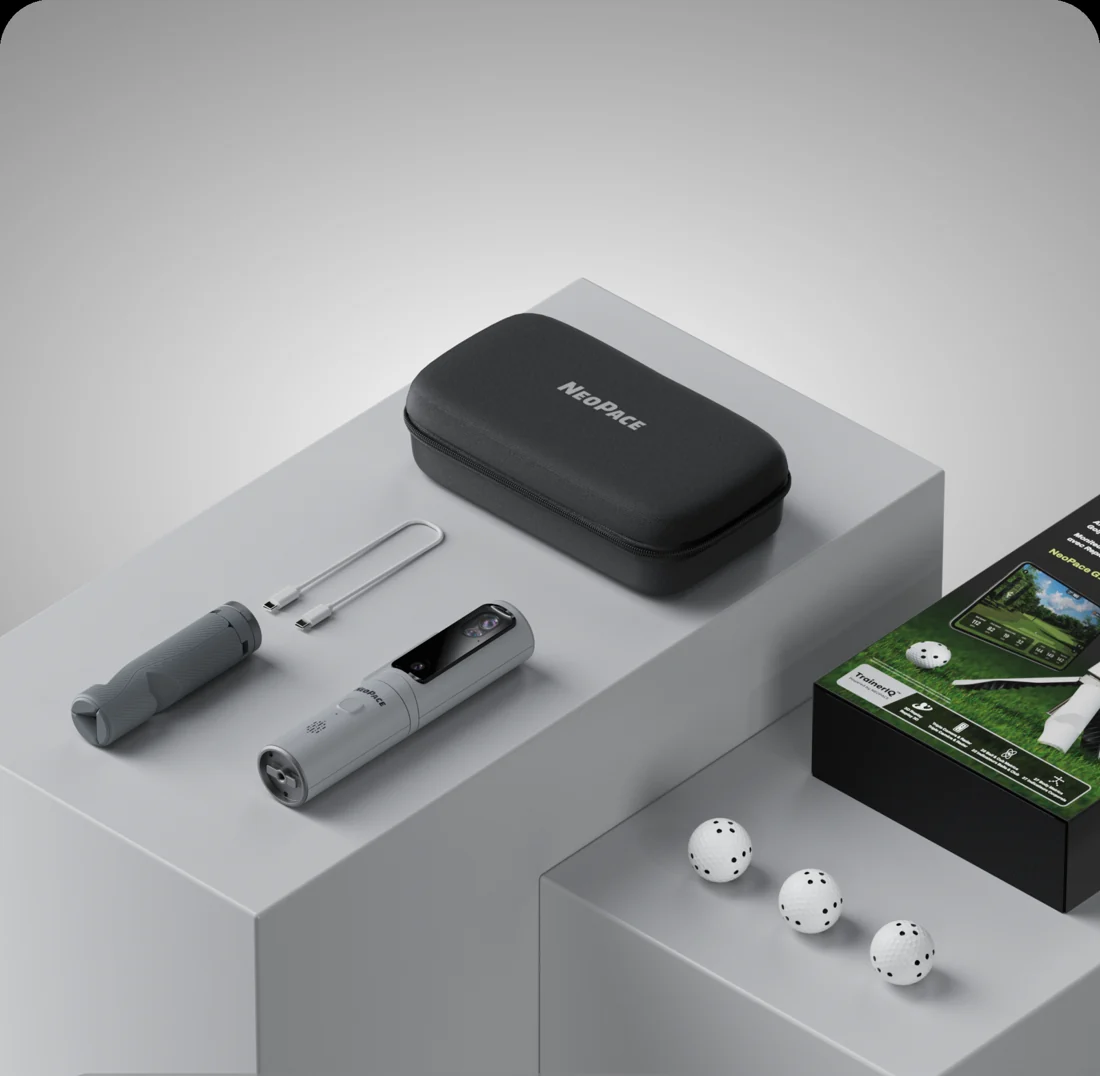
Independent product spotlight by Backer Ninja. This page is not operated by NeoPace or Kickstarter.
We may earn a commission when you back through links on this page. Product information and visuals come from the creator’s campaign materials and NeoPace website. Final specifications, rewards and delivery terms are set by the creator.