A different angle on work.
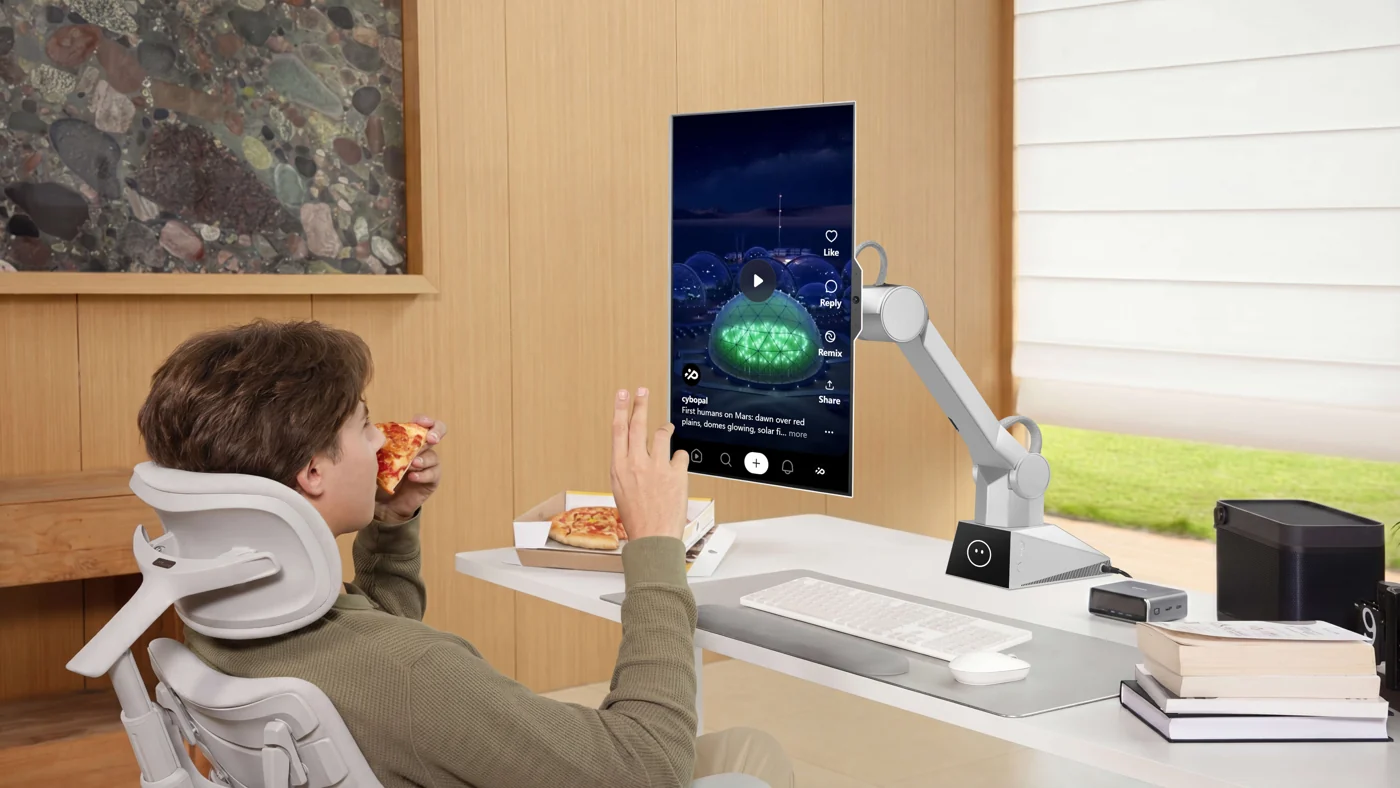
Bring the screen closer, change its orientation or return to a preferred position as your task changes.
DESKTOP ROBOTIC TERMINAL / CYBOPAL ONE
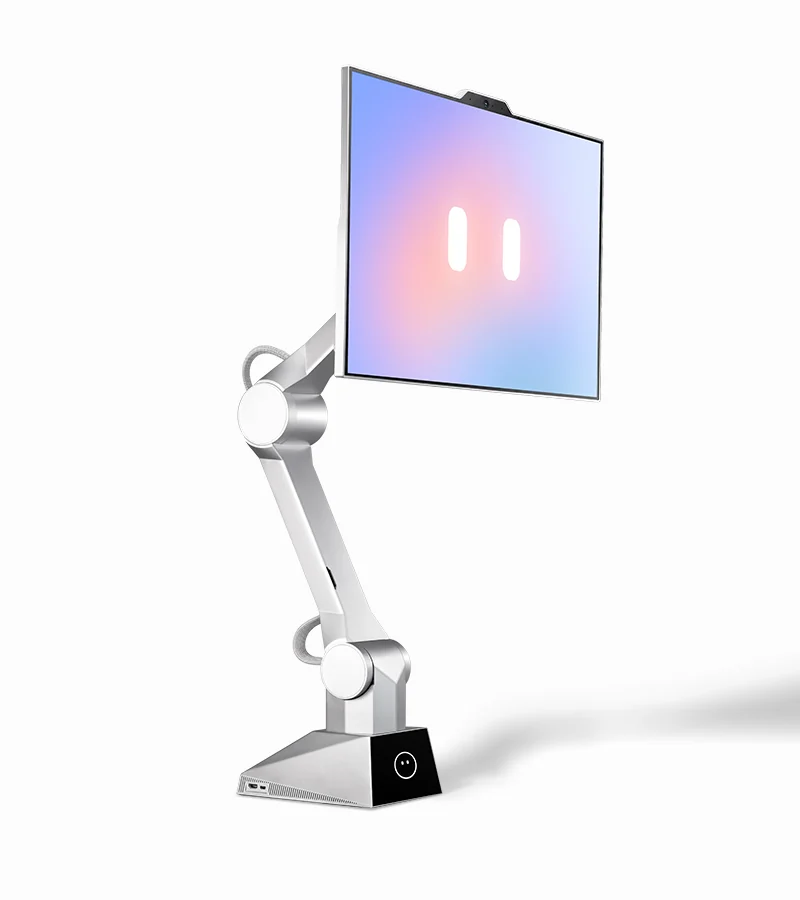
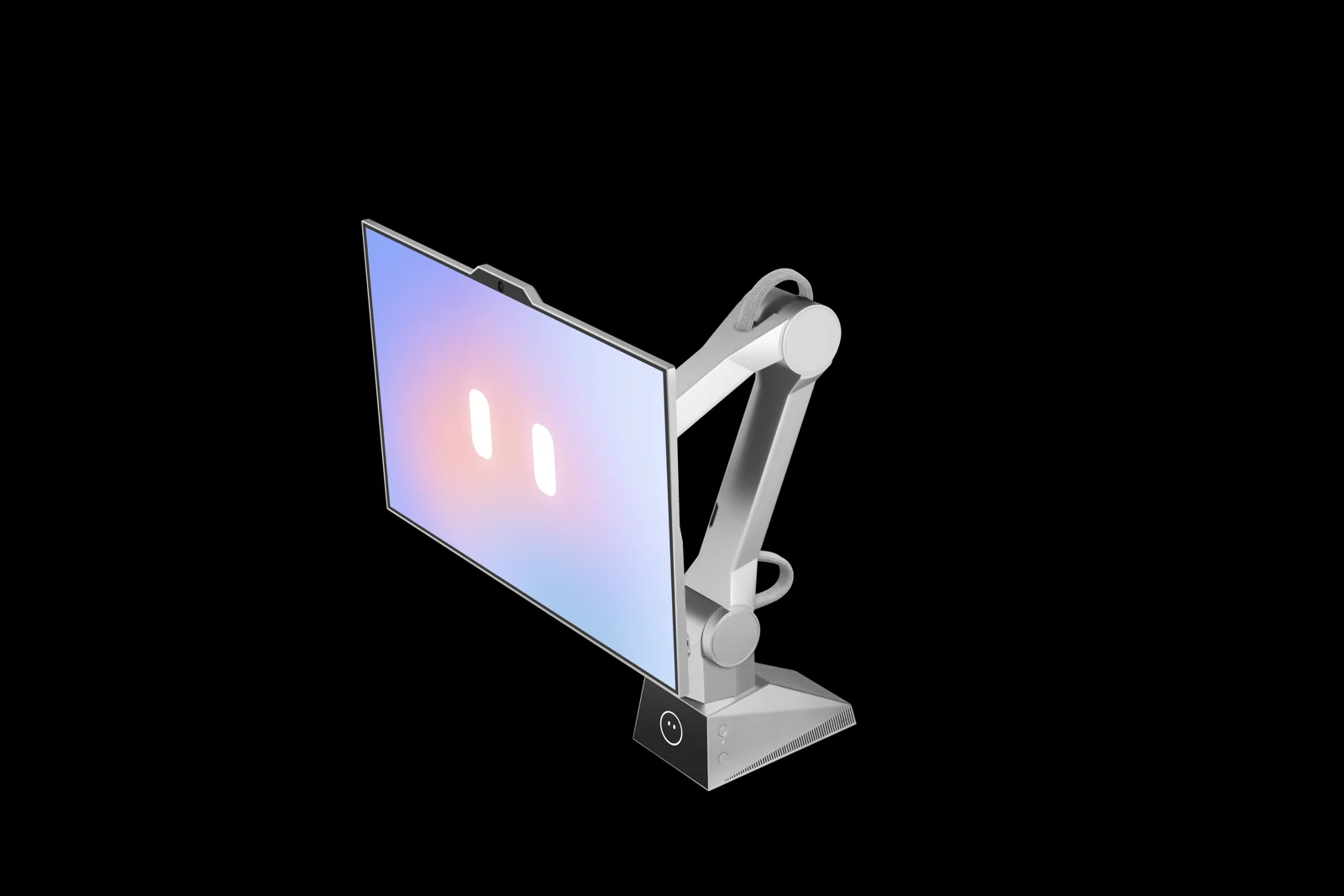
A 27-inch 4K display on a six-axis robotic body. Bring your screen into position, control supported tasks by voice, and give your desk a new way to respond.
For focused work, creative desks and curious minds.
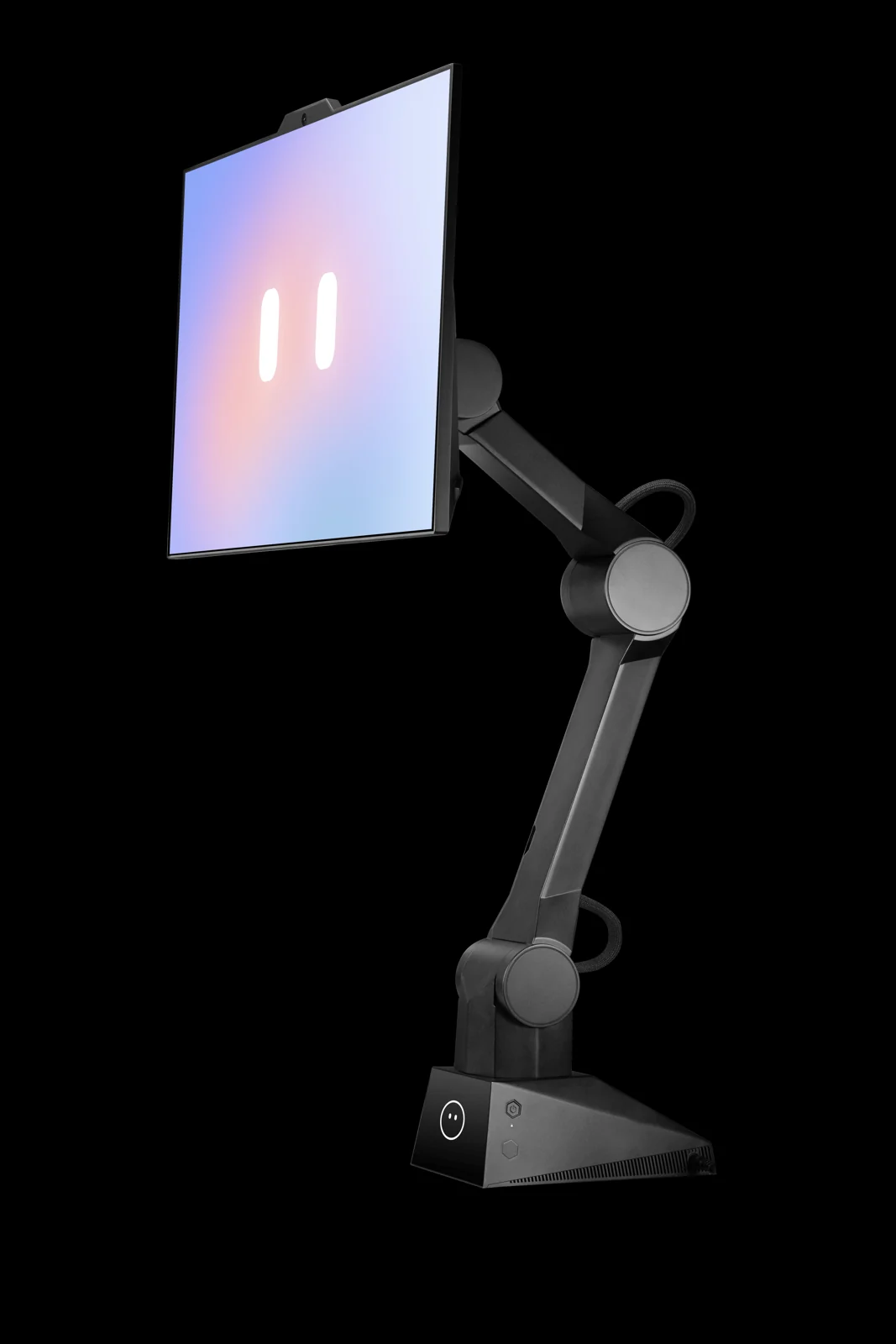
Black finish shown is a campaign stretch goal. Check the campaign for available finishes.
01 / YOUR POSITION, YOUR VIEW
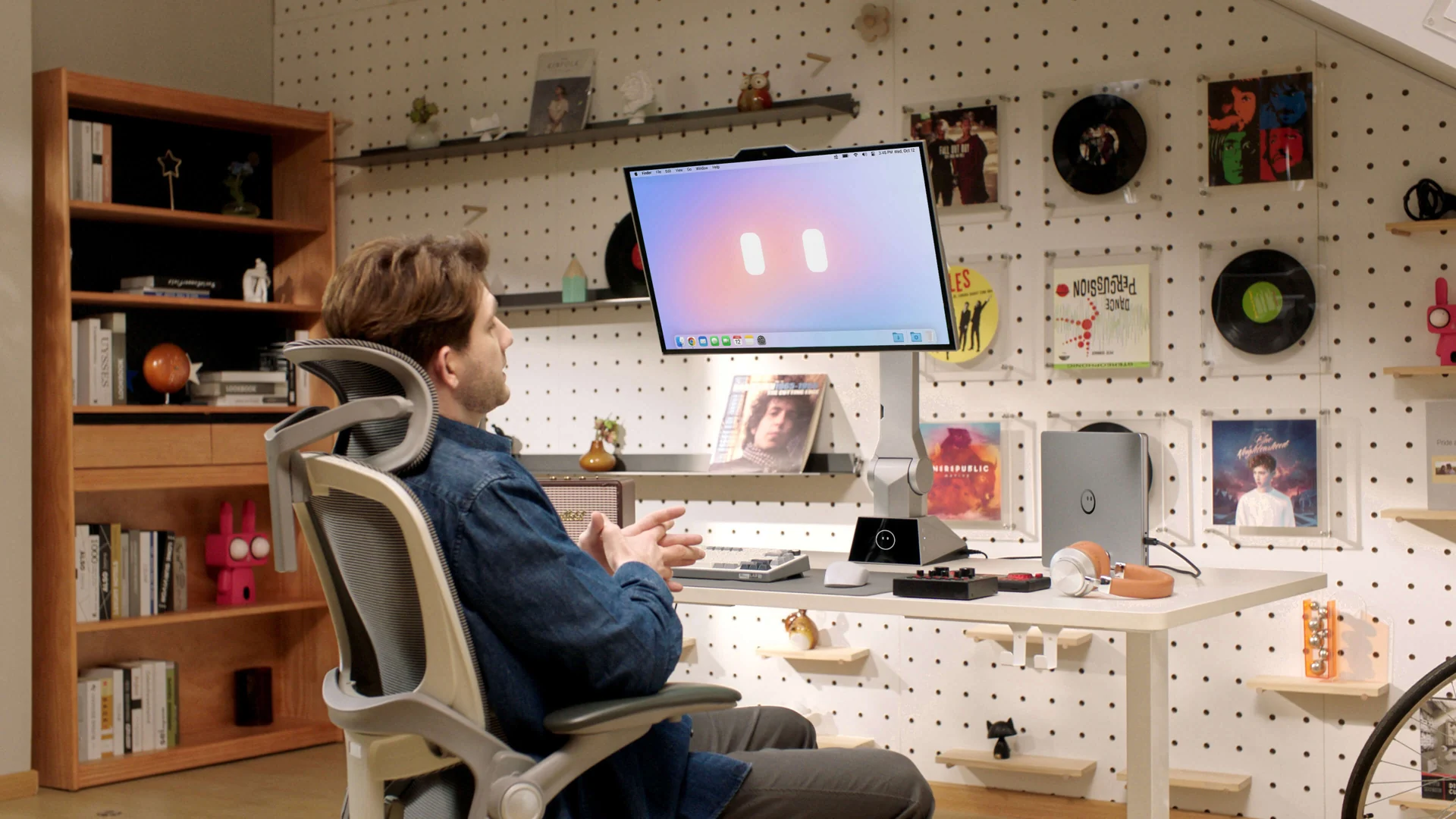
Sit upright. Lean back. Stand for a change. On-device sensing and six-axis movement help bring the display into a comfortable viewing position.
Ask the robotic body to reposition the display.
Use a supported tracking mode as your position changes.
Recall a saved position by voice or hotkey.
Tap to stop motion when you want the screen to stay put.
02 / SAY IT. SHAPE YOUR WORKSPACE.
Voice control extends from physical movement to supported desktop tasks. Ask for a screen adjustment, switch windows, organize your workspace or dictate text.
Gesture controls add another way to zoom, scroll and reposition the screen. Use the interaction that fits the moment.
Available controls depend on the connected device, client software and supported applications. Check the campaign for current functionality.
03 / MAKE SPACE FOR YOUR DAY
A desktop changes purpose through the day. CyboPal combines a movable display with controls that let you adjust how you use that space.
Bring the screen closer, change its orientation or return to a preferred position as your task changes.
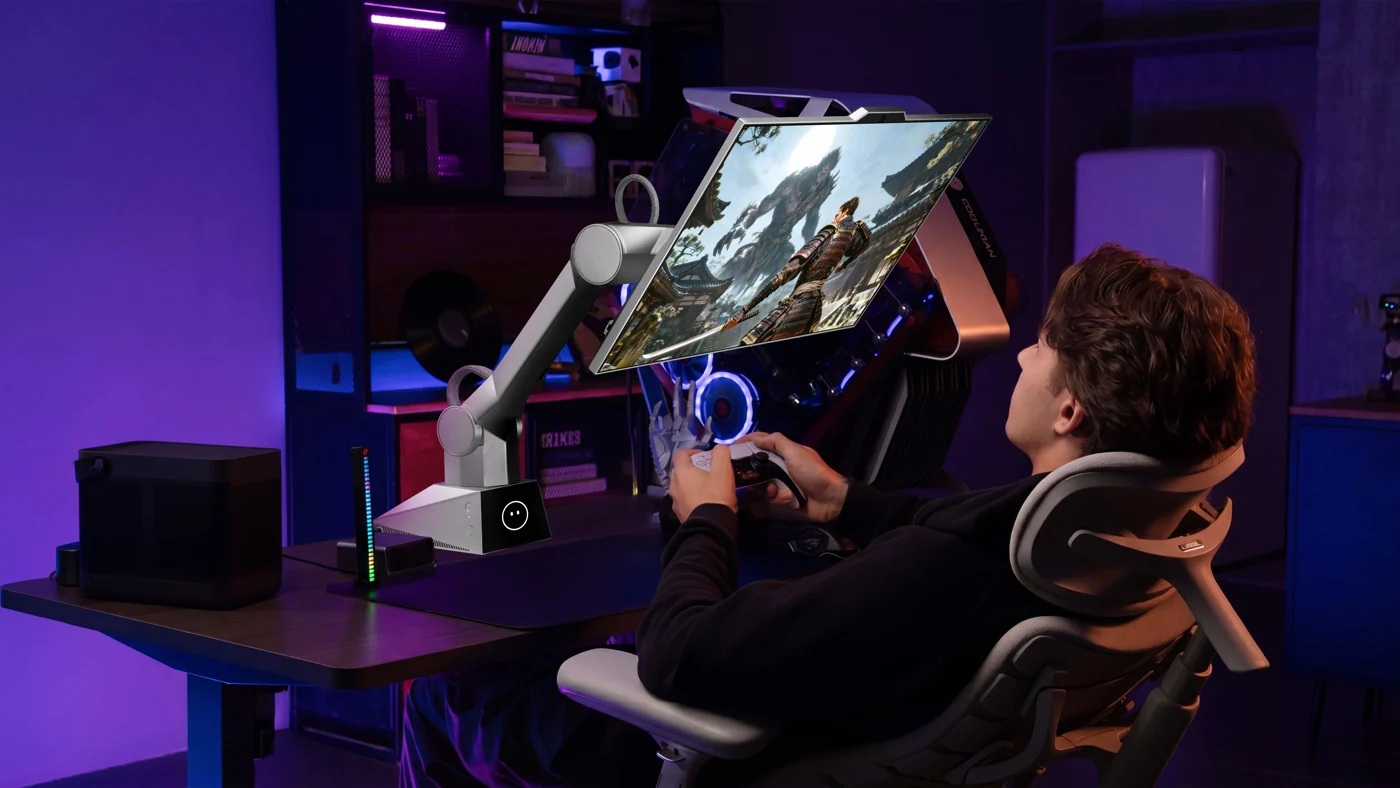
A 4K display and adjustable robotic body give your workspace room for entertainment, too. Check device and connection compatibility for your setup.
04 / FROM A FIXED SCREEN TO A RESPONSIVE DESK
The creator’s introduction explains how robotic positioning and spoken interaction bring a different relationship to the computer you already use.
Watch on YouTube ↗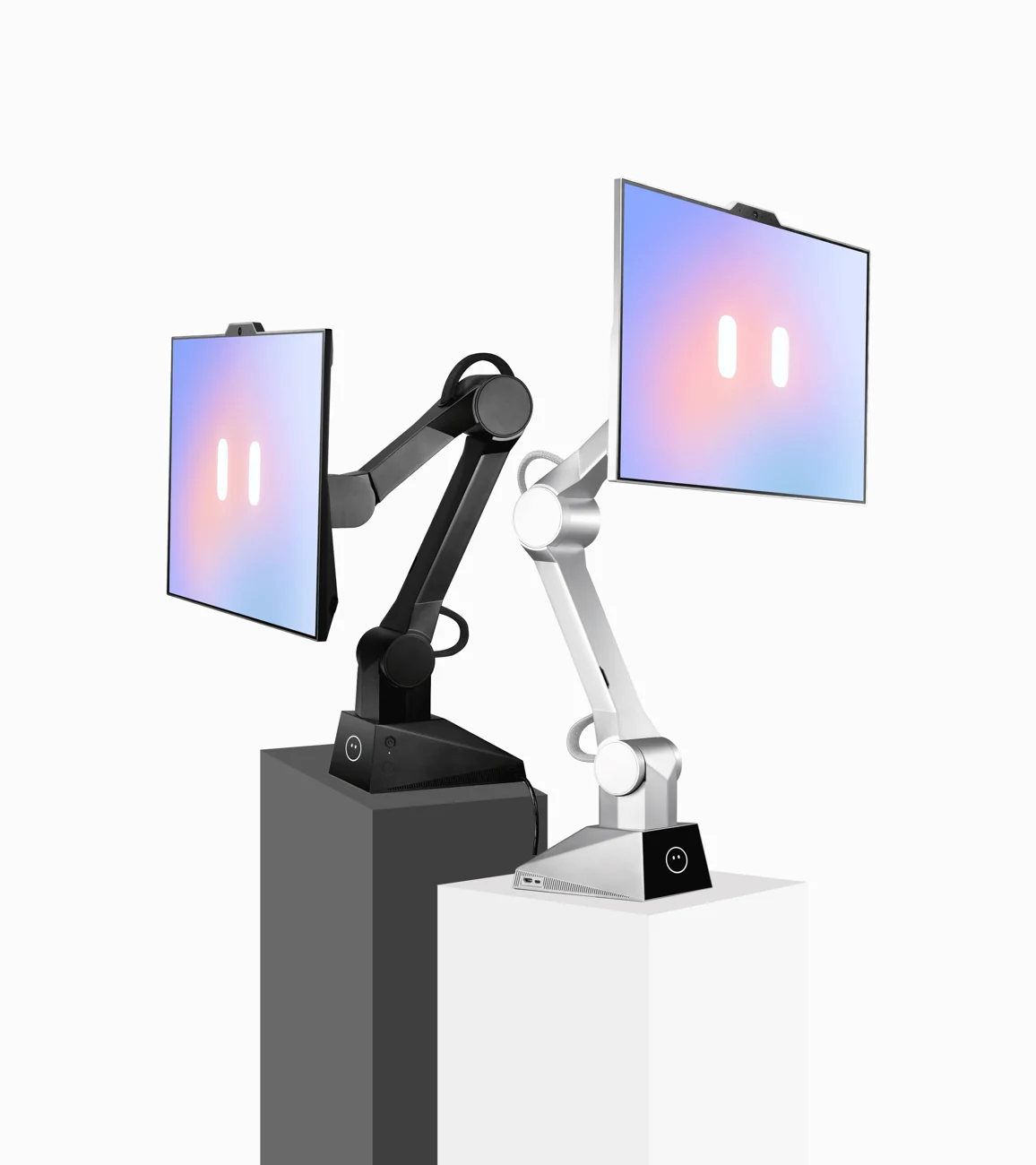
05 / A COMPLETE DESKTOP SYSTEM
CyboPal ONE includes the display, robotic body and AI Compute Base. Connect your computer via USB-C for interactive features, with dedicated desktop clients for Windows, macOS and Linux. HDMI 2.1 supports compatible display sources.
Creator-listed specifications. Confirm the current reward, desk requirements and supported features before backing.
See current campaign details06 / A RESPONSIVE DESK, WITH YOU IN CONTROL
A moving display needs clear controls. CyboPal describes local face and gesture sensing, a privacy mode and layered motion protection.
Face and gesture sensing runs locally. This refers to sensing; other AI services may have their own connectivity and data requirements.
Privacy Mode stops camera video and microphone streams, keeps the robotic body stationary and leaves the display available. A hardware indicator reflects camera capture.
The creator lists configurable Safety Boundaries, desktop sensing, path planning and collision detection with Safety Stop. Review setup guidance for your workspace.
07 / BEFORE YOU BACK
Match the system to your desk, devices and expectations before choosing a reward.
The creator describes a complete system with a 27-inch 4K display, six-axis robotic body, AI Compute Base and standard mounting hardware. Check your selected reward for the exact contents.
Yes. Display connections include USB-C and HDMI 2.1. The creator lists Windows, macOS and Linux desktop clients. Display connectivity and supported voice or gesture features may differ by device and software.
You can request a position, recall a saved setup or use a supported tracking mode. The creator also lists tap-to-stop control and configurable movement boundaries.
The included C-clamp mounts at a desk edge. Check the campaign’s desk thickness, clearance and installation requirements before backing, particularly for a multi-monitor workspace.
Privacy Mode stops camera video and microphone data streams while the display remains available and the robotic body stays stationary. It can be toggled using the physical Mode button or CyboPal Client.
Use the campaign’s current rewards and updates for pricing, eligible destinations, estimated delivery and warranty terms. Crowdfunding delivery dates are estimates; specifications and supported features may change.
View current rewards and updates ↗CYBOPAL ONE / YOUR NEXT DESKTOP
Take a closer look at the robotic system, current rewards and latest project updates on Kickstarter.
Explore CyboPal on Kickstarter