Give the sky a wider canvas.
The 24 MP Sony IMX410 sensor gives you full-frame coverage for compatible optics and room to explore faint detail.

SMART FULL-FRAME ASTROPHOTOGRAPHY
A cooled full-frame camera. Precision tracking. A connected workflow for the nights you want to spend looking up.
AN INDEPENDENT PRODUCT SPOTLIGHT BY BACKER NINJA
01 / A CLEARER START
From wide nightscapes to distant nebulae, C42 brings a full-frame imaging core and active cooling into a system designed around long nights outside.
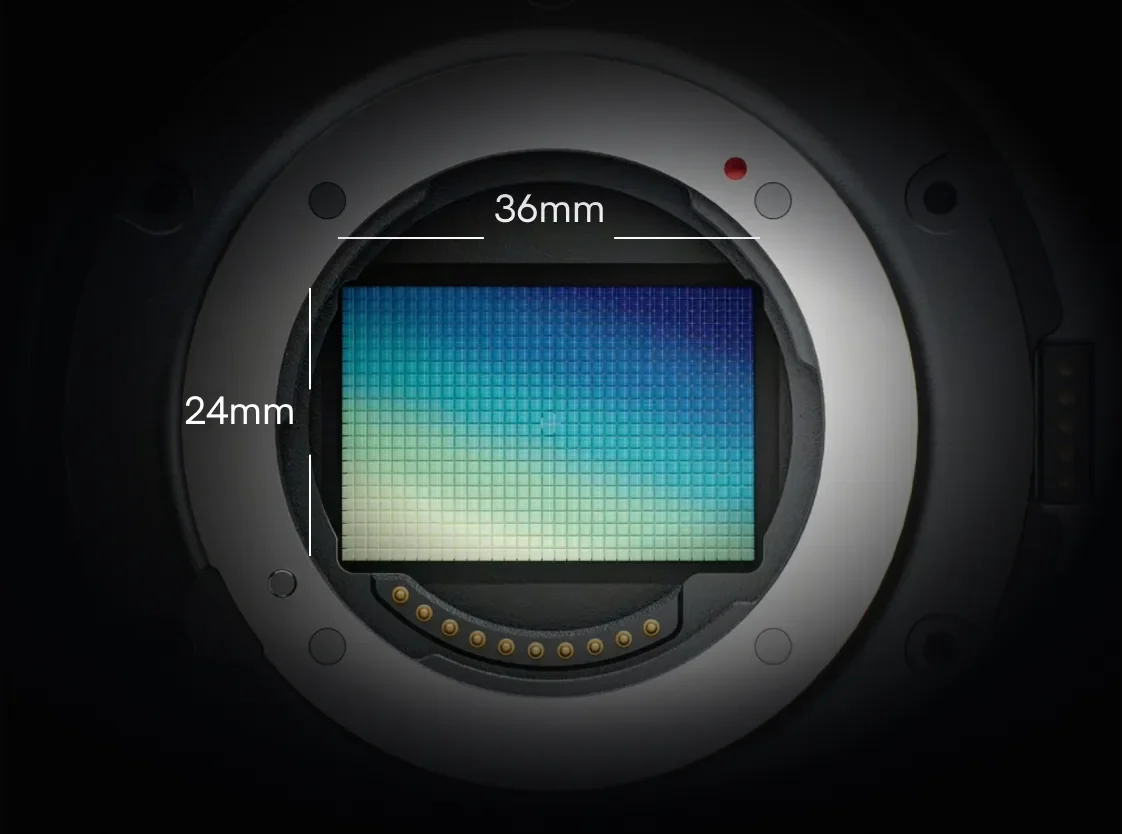
The 24 MP Sony IMX410 sensor gives you full-frame coverage for compatible optics and room to explore faint detail.
Active TEC cooling reaches up to 30°C below ambient, helping reduce thermal noise during long exposures.
Use on-device processing for a simpler workflow, then export RAW data when you want to take your edit further.
02 / LET THE SKY LEAD
Choose a wide-angle lens for a landscape under the stars, or explore distant targets with a longer lens or telescope. The optical setup shapes the view.
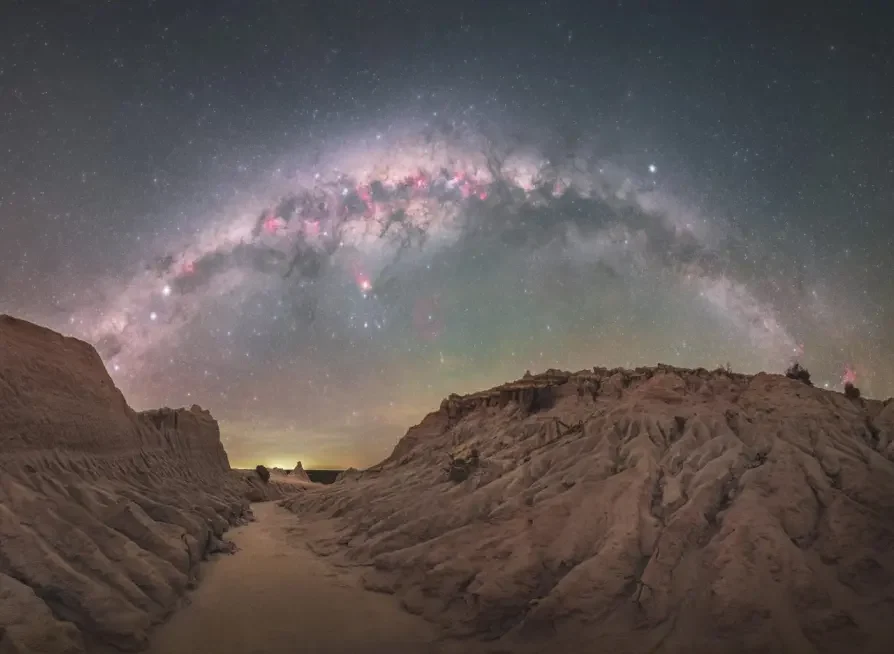

Images from ArcBlue’s website illustrate imaging subjects. Optics, exposure, sky conditions and processing affect results.
03 / FOLLOW THE STARS
C42 guides through its main imaging sensor, working with the Pulsar harmonic equatorial mount to support long-exposure imaging.
Sensor-level guiding removes the need for a separate guide scope and guide camera.
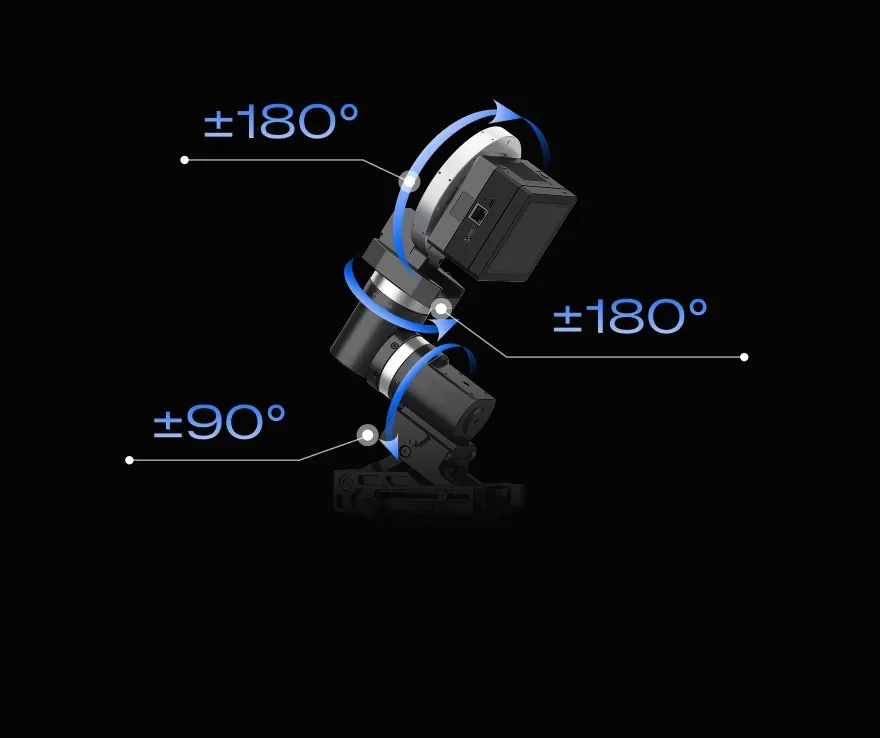
Pulsar provides RA and DEC movement; the HALO camera angle adjuster adds a third rotational axis for framing.
Polar alignment currently guides manual adjustment. CAA field-rotation compensation is planned for a future OTA update.
04 / FEWER STEPS BETWEEN YOU AND THE SKY
A connected camera, mount and touchscreen bring the key tasks into one place, from finding your target to checking your latest exposure.
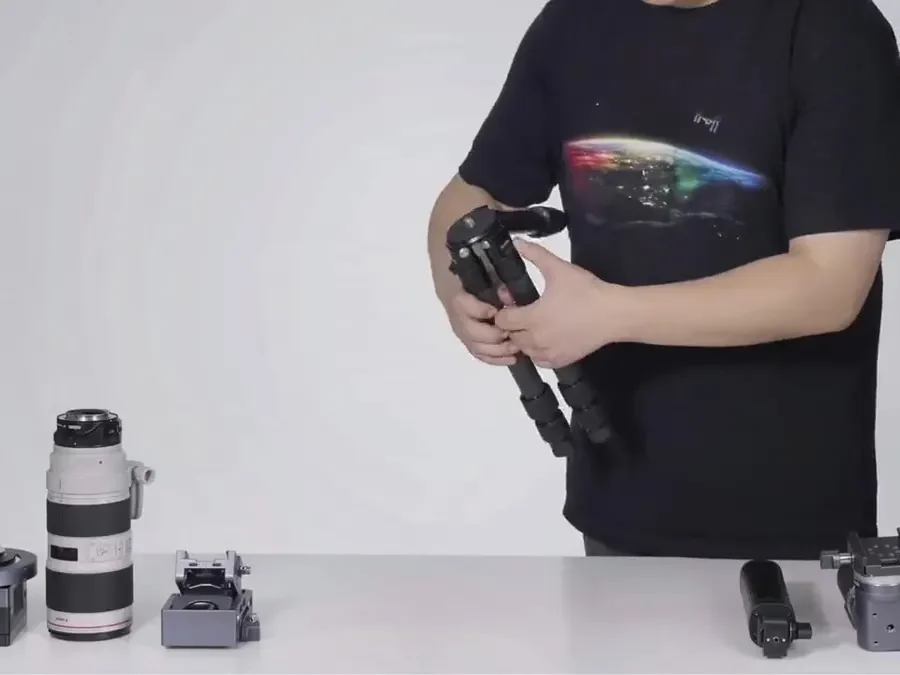
Attach your optics and assemble the system. ArcBlue describes roughly three minutes for hardware assembly.
Follow assisted polar alignment, then use GoTo and plate solving to help find and frame your subject.
Monitor exposures, use calibration and stacking tools, and keep RAW files for your own finishing process.
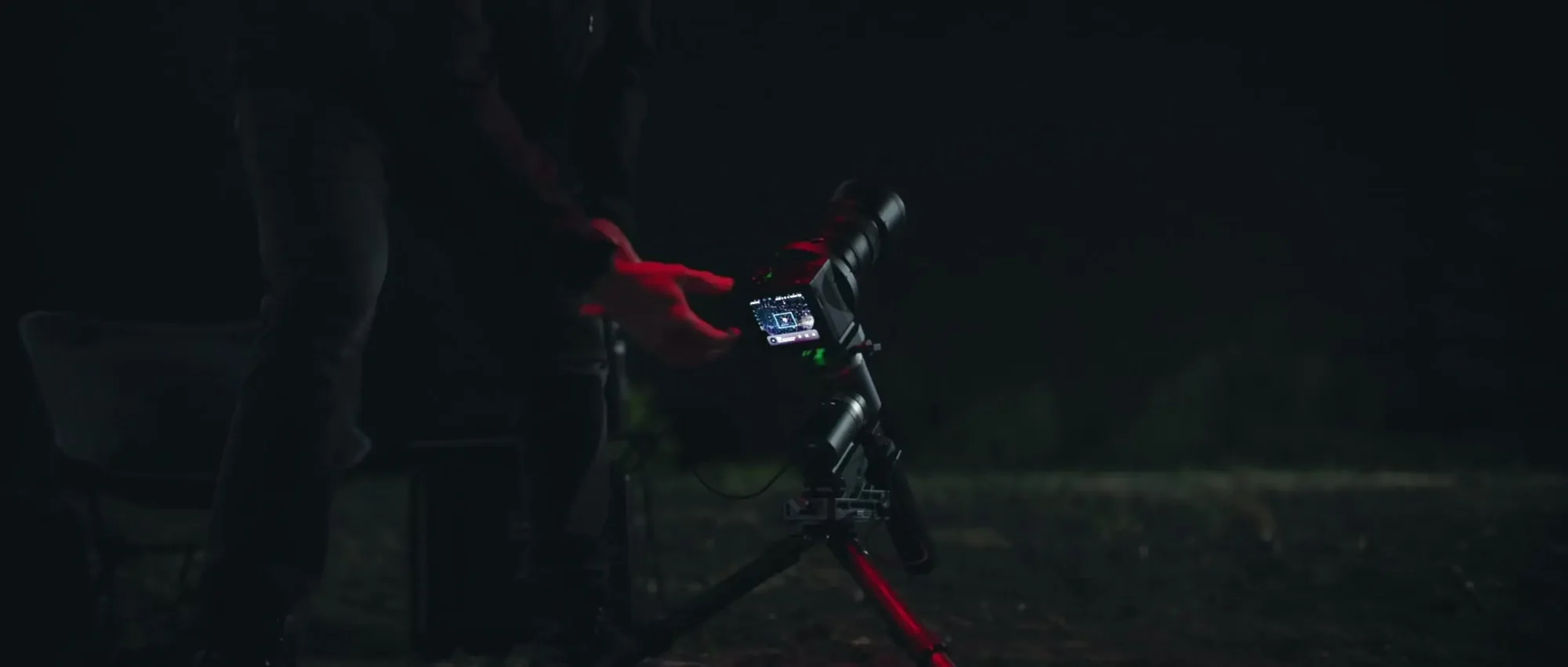
05 / BUILD AROUND YOUR GLASS
Start with the imaging you love. Native lens-mount versions and an M68 telescope interface let you build around different optics as your interests develop.
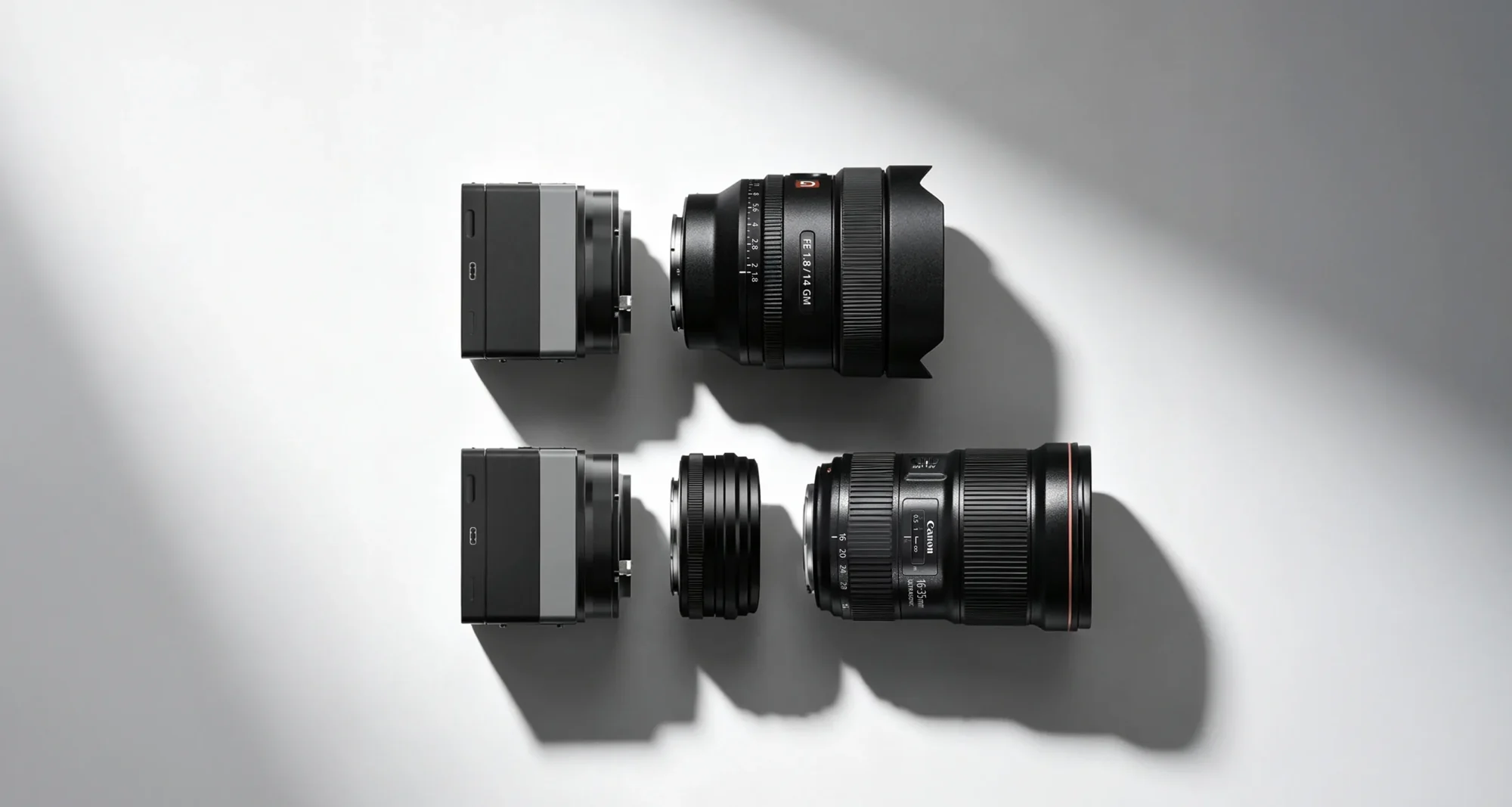
Choose Sony E, Canon EF or Nikon Z versions. Confirm support for your specific lens and its electronic controls before choosing a reward.

The M68 interface supports telescope imaging trains. Check adapters, back focus, filters and total moving payload for your complete setup.
Optics and accessories shown are configuration examples. Included hardware depends on the reward you select.
06 / BUILT FOR THE NIGHT SKY
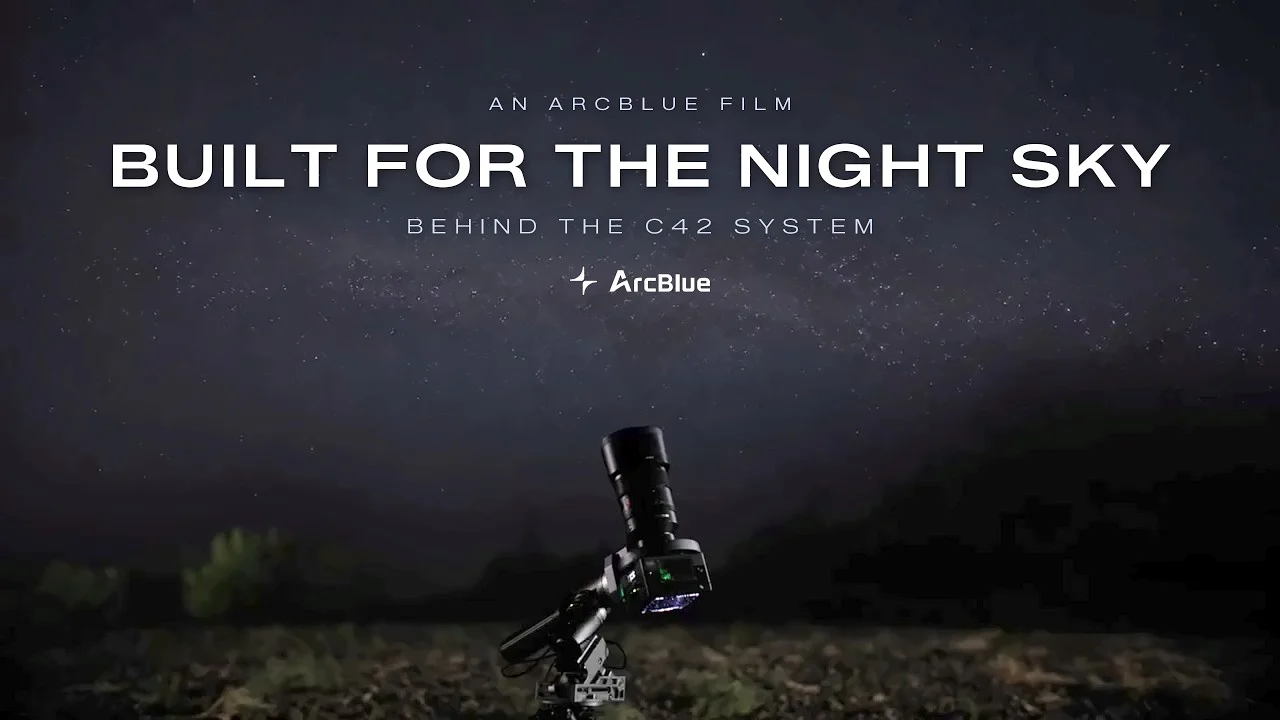
Meet the engineers behind C42 and follow the project from its astronomy roots to a first hands-on test in Death Valley. ArcBlue’s film puts the system’s ambition in context.
Selecting play loads the YouTube player. You can also watch directly on YouTube.
07 / KNOW YOUR SETUP
A few essentials to help match the camera and mount to your optics, power supply and plans for the night.
Specifications reflect ArcBlue’s published information. Confirm final configuration and current firmware capabilities with the creator.
08 / BEFORE YOU BACK
Start with your optics.
Choose the system around them.
C42 is an astrophotography system built around a cooled full-frame camera. Pair it with a compatible camera lens or telescope and a suitable mount. The C42 Camera and the Pulsar mount are separate parts of the ecosystem; check the contents of your chosen reward.
Native mount versions include Sony E, Canon EF and Nikon Z, alongside an M68 telescope interface. Choose the correct camera version for your optics and confirm individual lens support, electronic controls, adapters and optical spacing before backing. Lenses and telescopes pictured here are setup examples.
Smart Polar Alignment assists you with AR guidance and plate solving, but polar alignment currently requires manual adjustment. CAA field-rotation compensation is planned for a future firmware update. Do not base your setup choice on an unreleased capability.
The magnetic touchscreen supports live view, image review and on-device processing. C42 supports calibration, stacking and HDR processing while preserving RAW data for further desktop editing. Flat frames depend on your optical setup; additional Dark frames may be needed for your imaging settings.
ArcBlue lists up to five hours per battery with cooling off, or approximately two hours at full cooling power with a 30°C temperature difference. Runtime depends on conditions and settings. USB-C power from a suitable portable power station can extend a session.
Pulsar prioritizes portability; Pulsar Heavy supports larger imaging loads. Count the camera, lens or telescope, CAA and other moving equipment in your payload. Mount capacity and the separate CAA rating both matter. Check the campaign for the correct mount, counterweights and accessories.
Open the current Kickstarter campaign to compare rewards, included hardware, add-ons, shipping destinations, taxes and estimated delivery. Crowdfunding delivery dates are estimates. Backer Ninja introduces the product; pledges and order support are handled through the campaign and its creator.
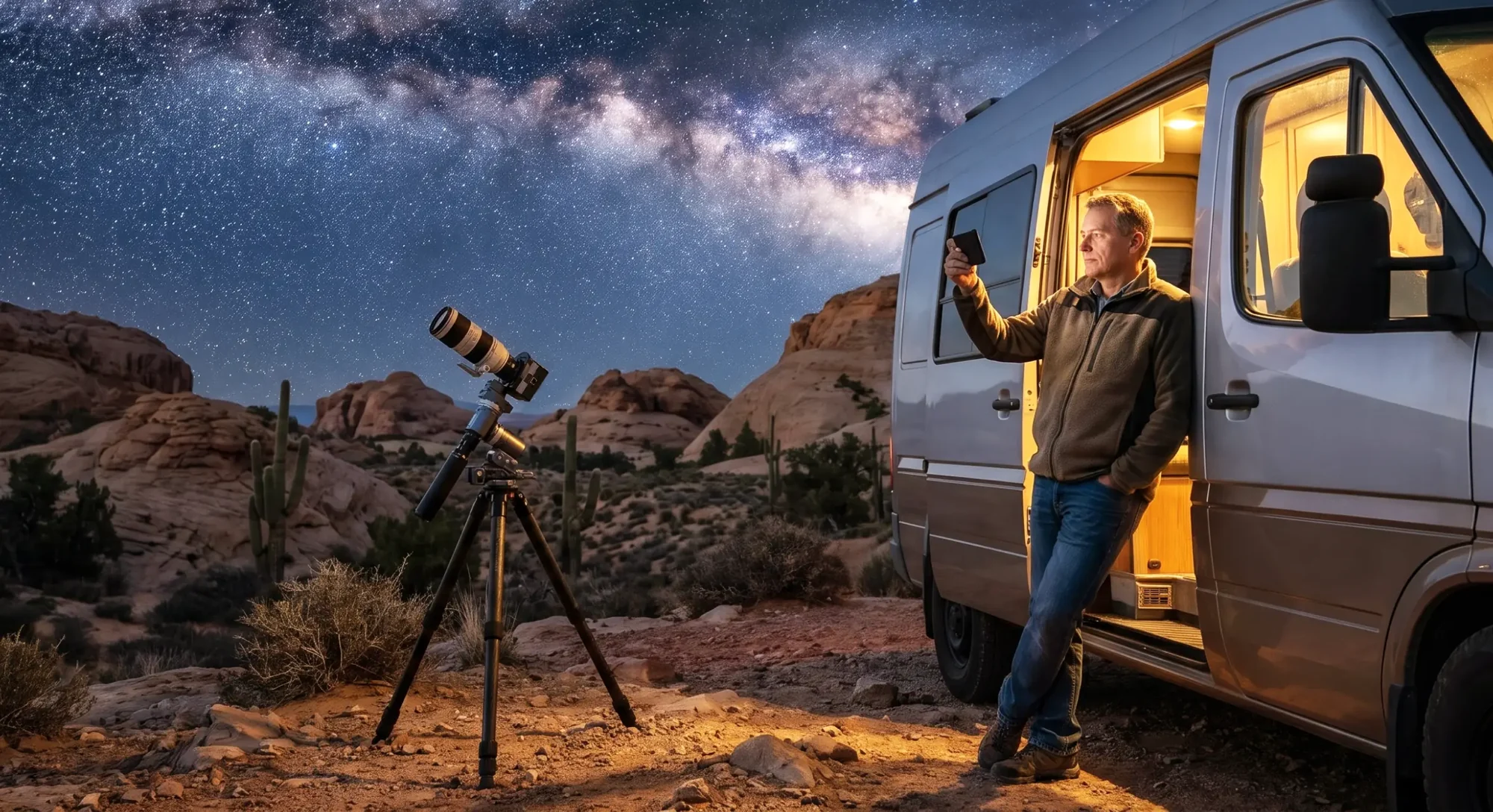
YOUR NEXT NIGHT UNDER THE STARS
Explore the ArcBlue C42 system, compare current rewards and follow the creator’s latest updates.
Explore ArcBlue C42 on KickstarterIndependent product spotlight by Backer Ninja. This page is not operated by ArcBlue or Kickstarter.
We may earn a commission when you back through links on this page. Product information and visuals come from ArcBlue’s campaign materials and official website. Final specifications, rewards and delivery terms are set by the creator.